



FOR EMPLOYEES
Mobile app
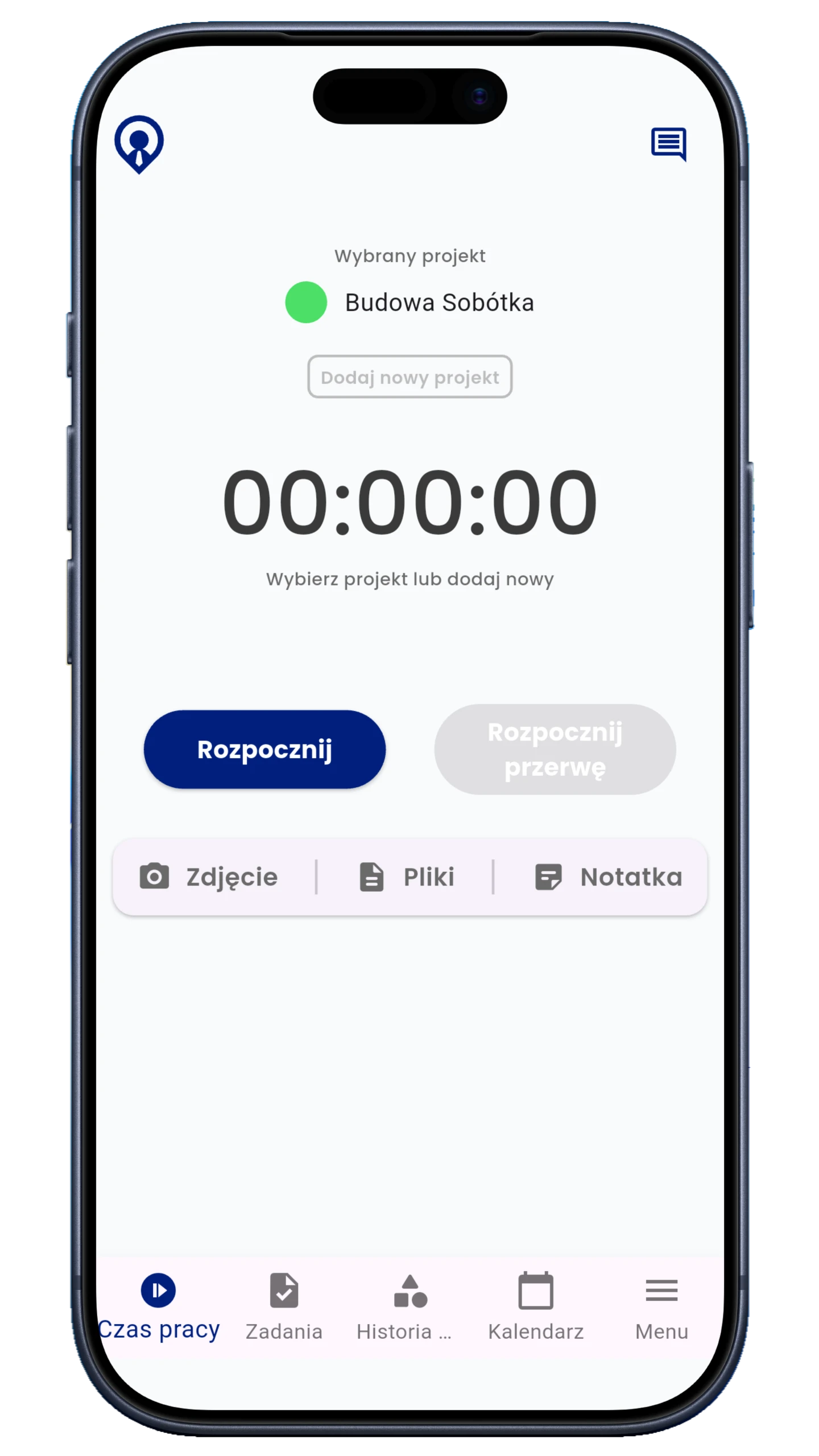
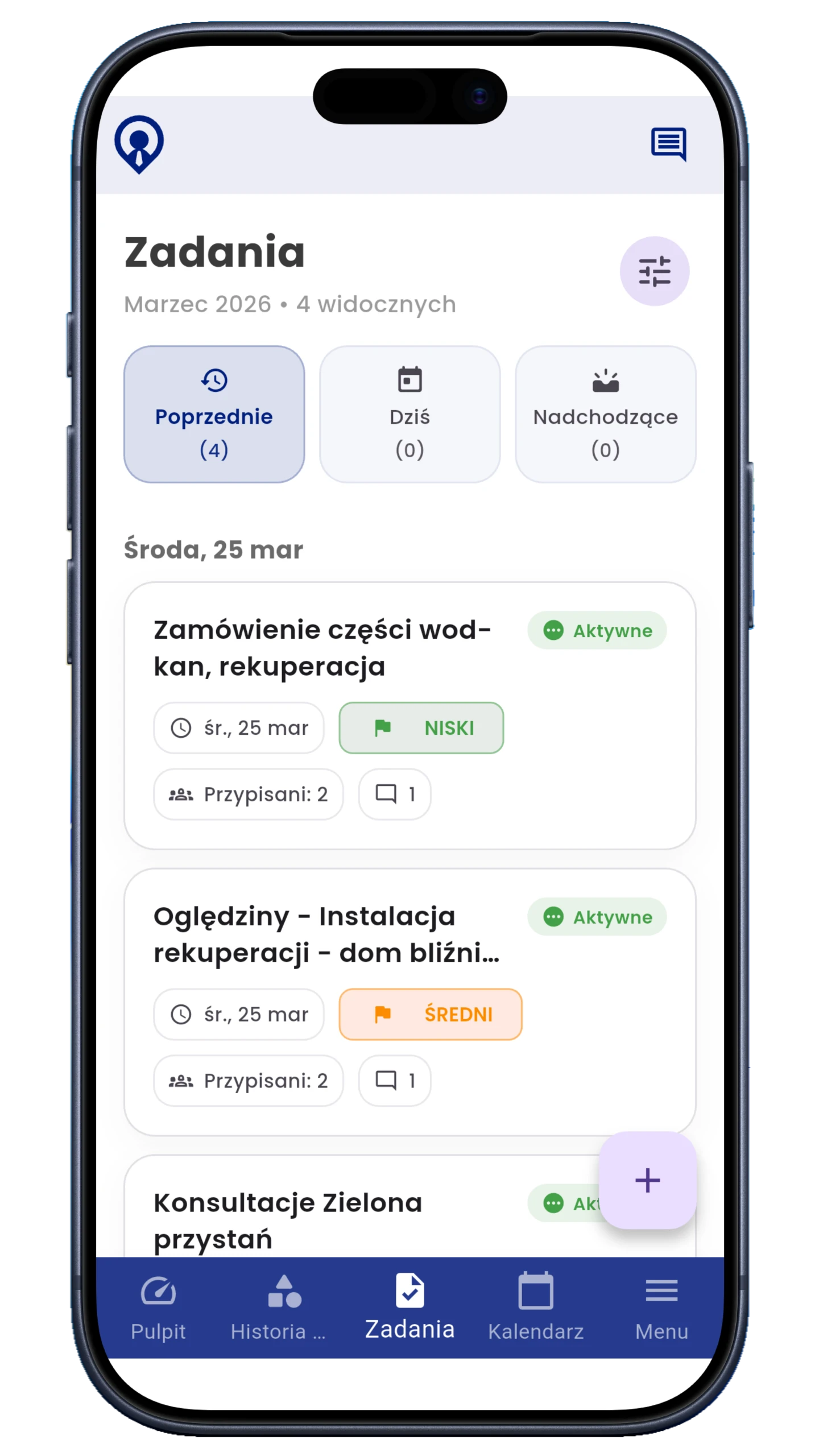
- Start and stop time tracking
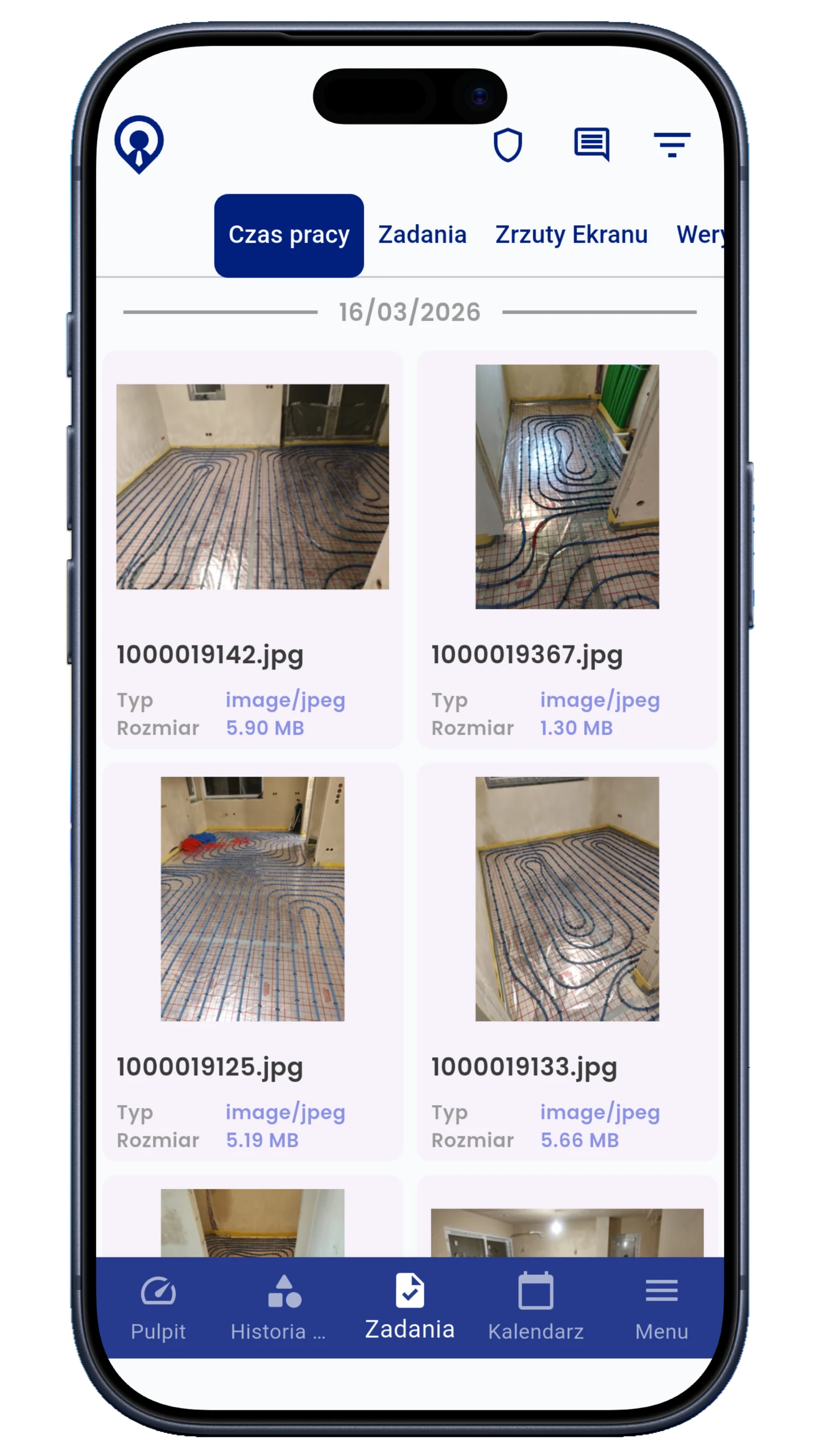
- Optional GPS and job photos
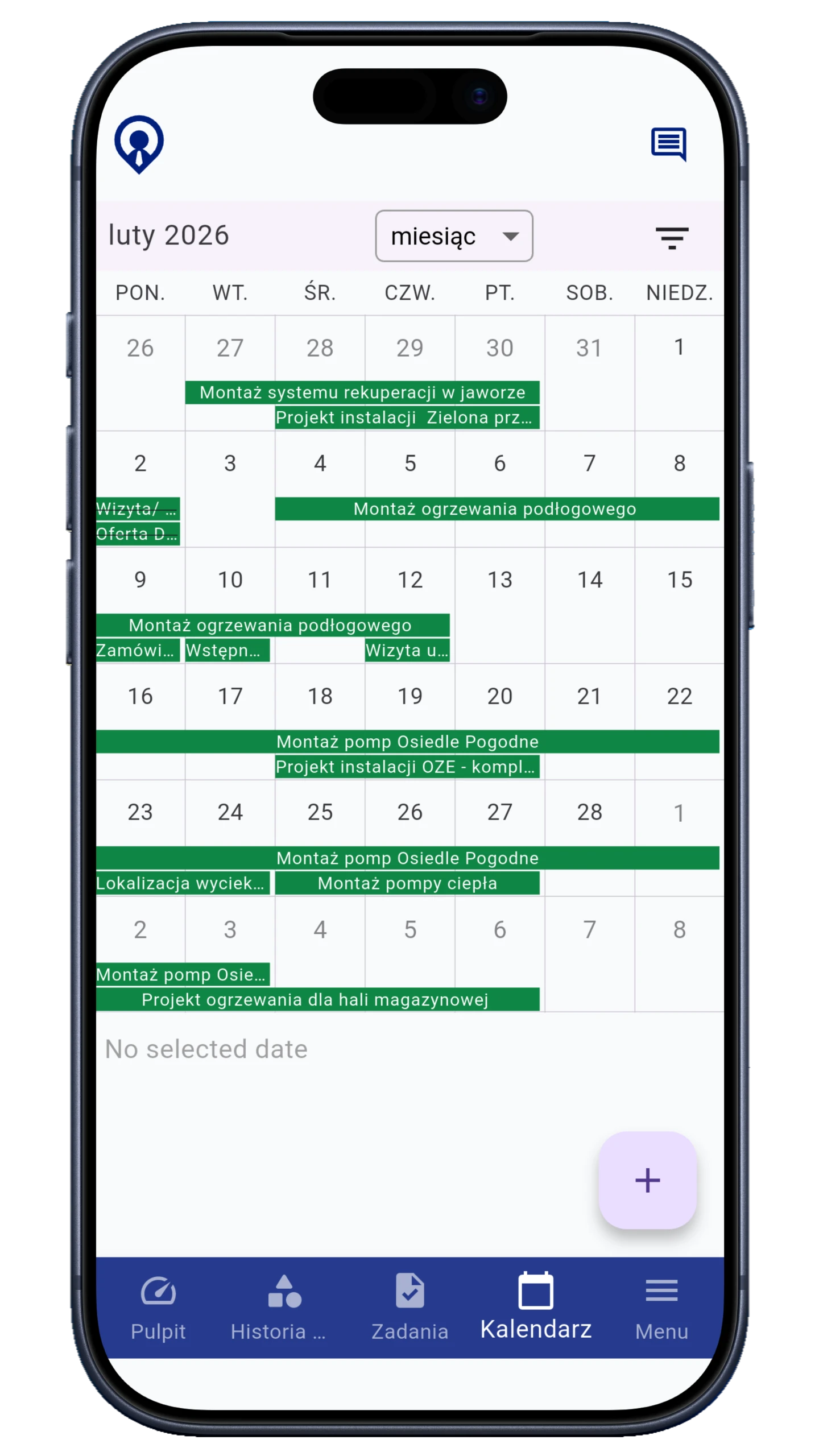
- Tasks, comments and schedule access
For teams in the office and in the field.
Plan the work, track progress and prepare payroll. Keep your team’s tasks, hours and documents in one place.
Explore features →Your free 14-day trial includes all modules except those listed in the pricing page as requiring manual activation. Check trial terms
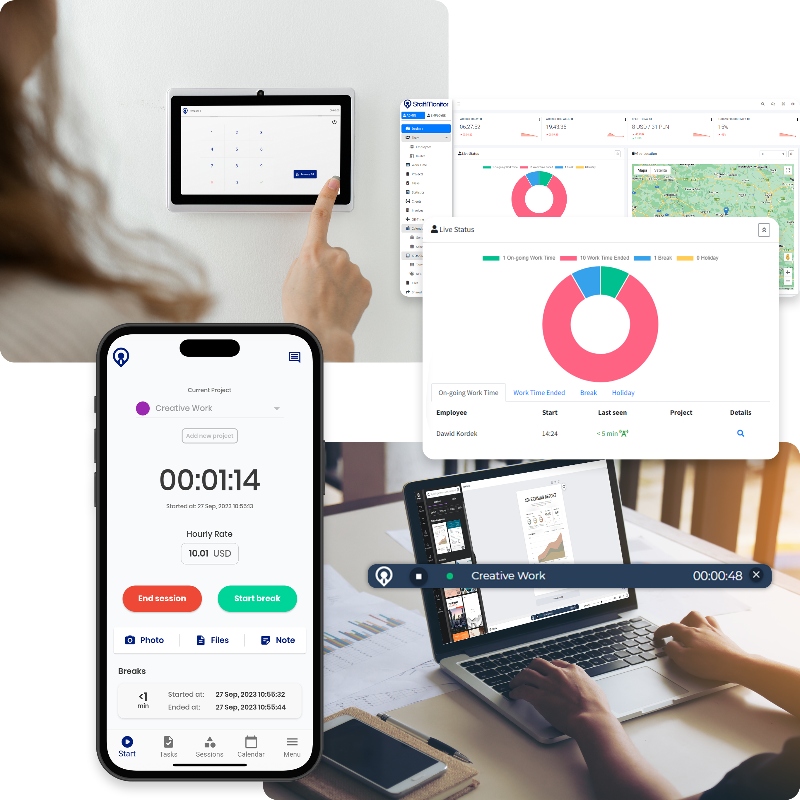
Connect your work records to plan faster, respond sooner and prepare payroll.
It is unclear who is working, where downtime occurs and what causes late arrivals or overtime.
Teams spend time asking for details, and managers cannot quickly see where work has stalled.
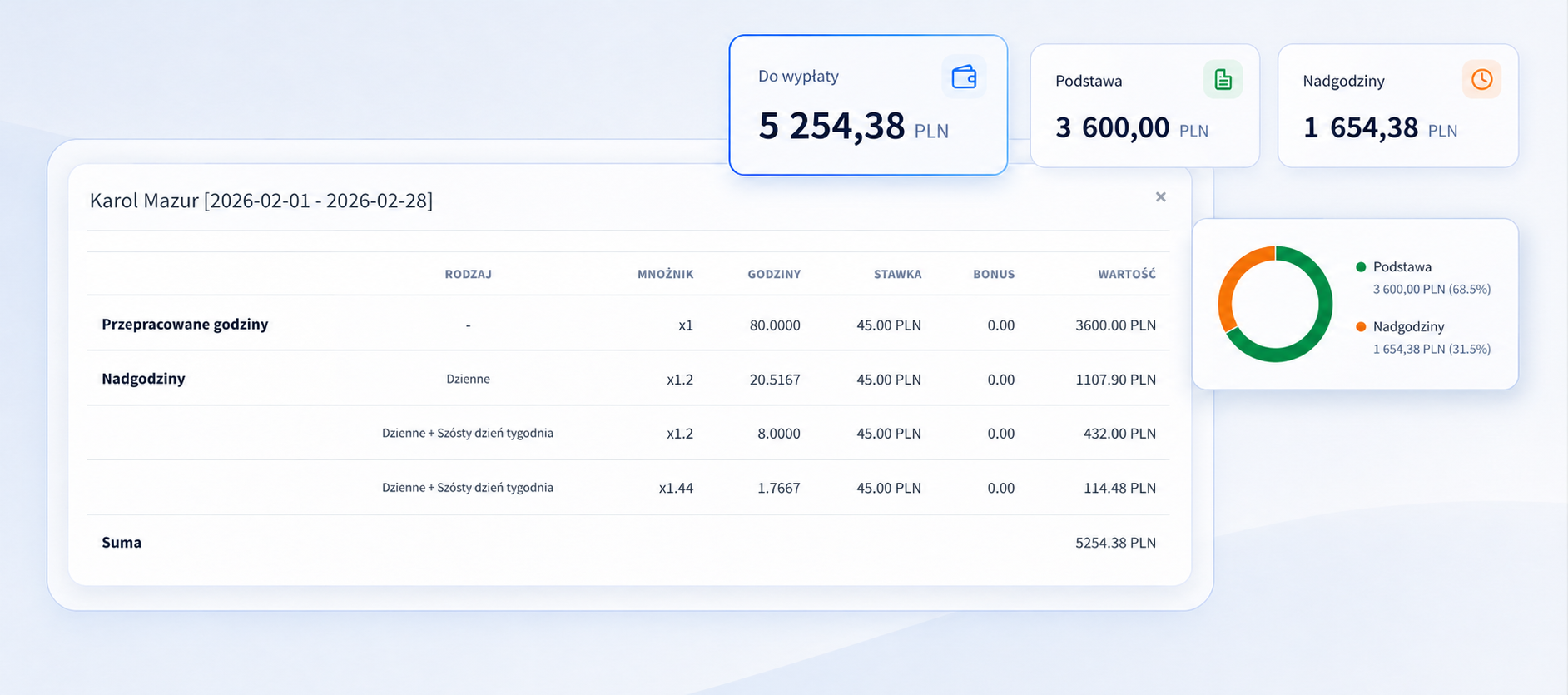
Project budgets drift unnoticed, while bonuses, allowances and hours need manual calculations.
From the first minute of work to the weekly report, everything is connected.
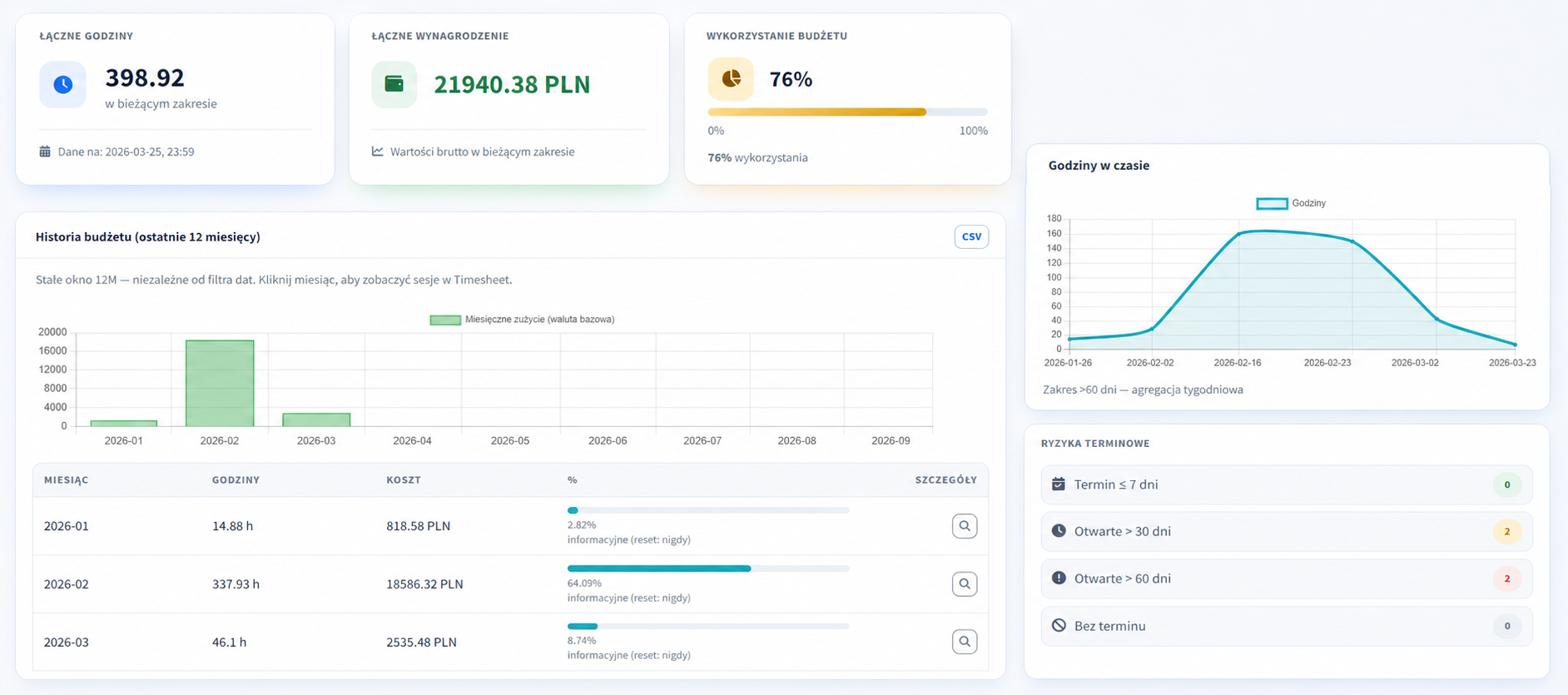
Working time, allowances and labour costs create a clear project overview. Act while work is happening.
APPS
Employees record time and complete tasks. Managers plan work, review reports and approve pay calculations. All records feed one dashboard.
FOR EMPLOYEES


FOR EMPLOYEES
FOR MANAGERS
ONE JOB. THE WHOLE WORKFLOW.
See how the features connect in a service visit. The office, employee and customer take part in successive stages of the same job.
An example workflow for a service business.
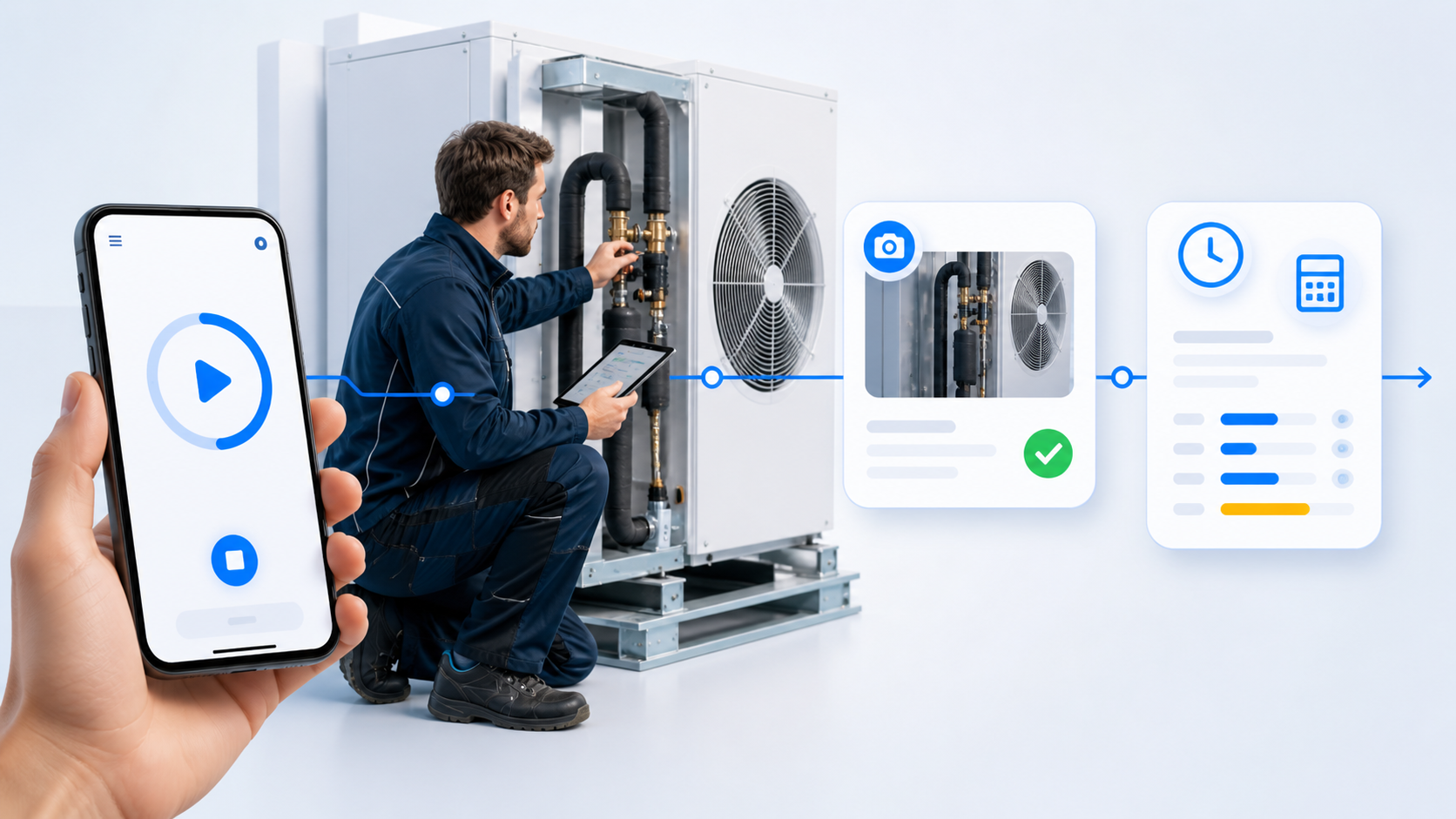
Review the customer’s request and prepare a task for your employee.
Try a formAdd time, materials used and photos from the visit.
Explore the appPrepare the report. Your customer signs through a link, without an account.
Try signingCompare working time and labour costs with the project budget.
Explore reportsSTART WITH YOUR TEAM
Tell us what you want to improve. We’ll show you the relevant features using your workflow and help you choose where to start.
You can start with a single workflow.
DURING YOUR DEMO
We’ll start with how your team works.
We’ll show the features you need day to day.
We’ll find a good place to begin your trial.
Leave your details — we’ll arrange the scope and time of your demo.
FROM ENQUIRY TO COMPLETED WORK
Collect enquiries through forms, confirm completed work with a signature and add the modules your industry needs.
Collect website enquiries in one place. Review each request and prepare a task for your team.
Form → request → task See an exampleAccept training registrations, plan coaching and offer venue hire. Participants and parents use the family portal.
Explore the sports modulePrint QR cards, record cleaning confirmations and collect visitor feedback with photos.
COMPANY planResident records, care plans, action history and supplies in one place.
COMPANY planKnow what is in stock, where it is stored and who took it. Use QR or NFC.
COMPANY planPrepare a task document, collect signatures and keep the completed PDF.
COMPANY planChoose your first goal and see the first records in the dashboard. Add more features as your needs grow.
Add an employee, start the mobile or desktop app and see the first work session in the dashboard.
Quick start: time trackingCreate your first board, assign tasks and organise your workflow.
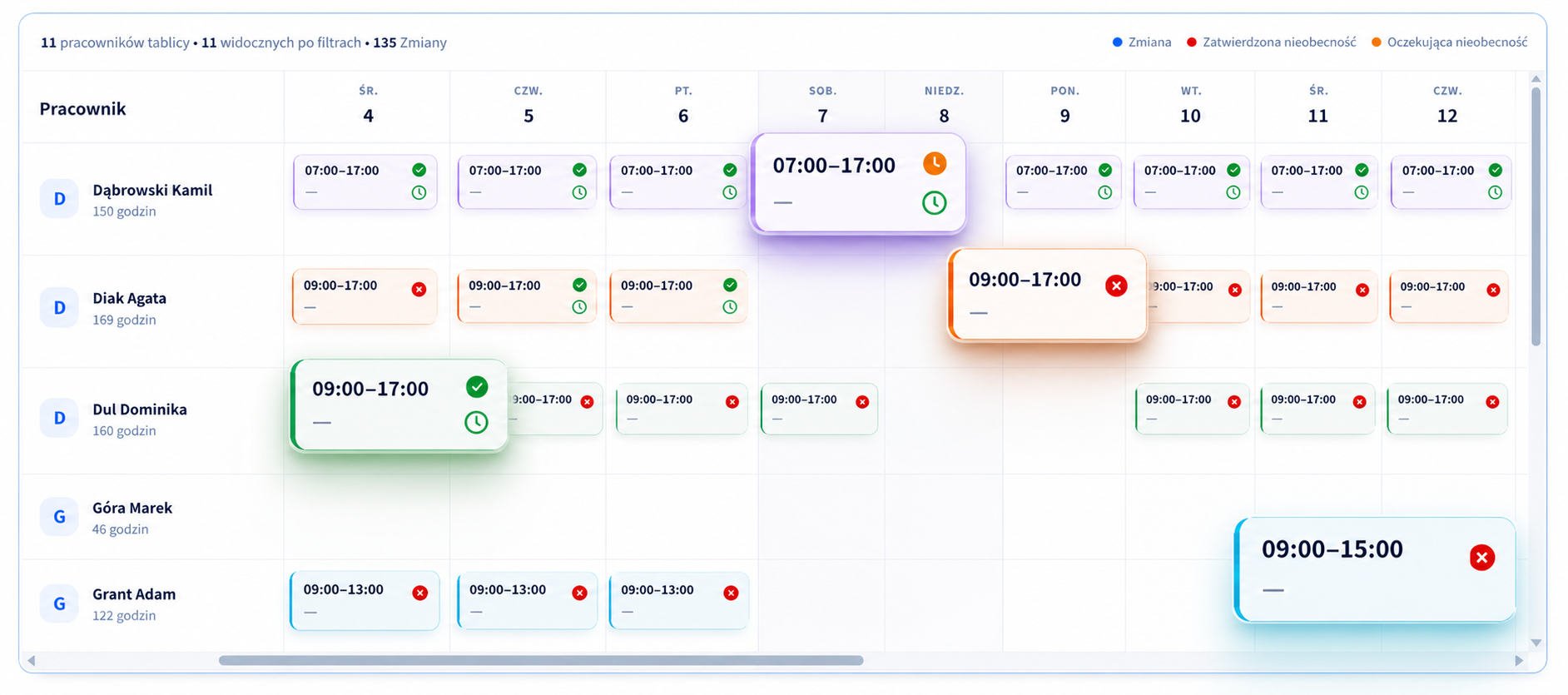
Quick start: KanbanPlan shifts, assign roles and compare plans with actual working time.
Explore work schedulesYou decide which data is collected and who can access it.
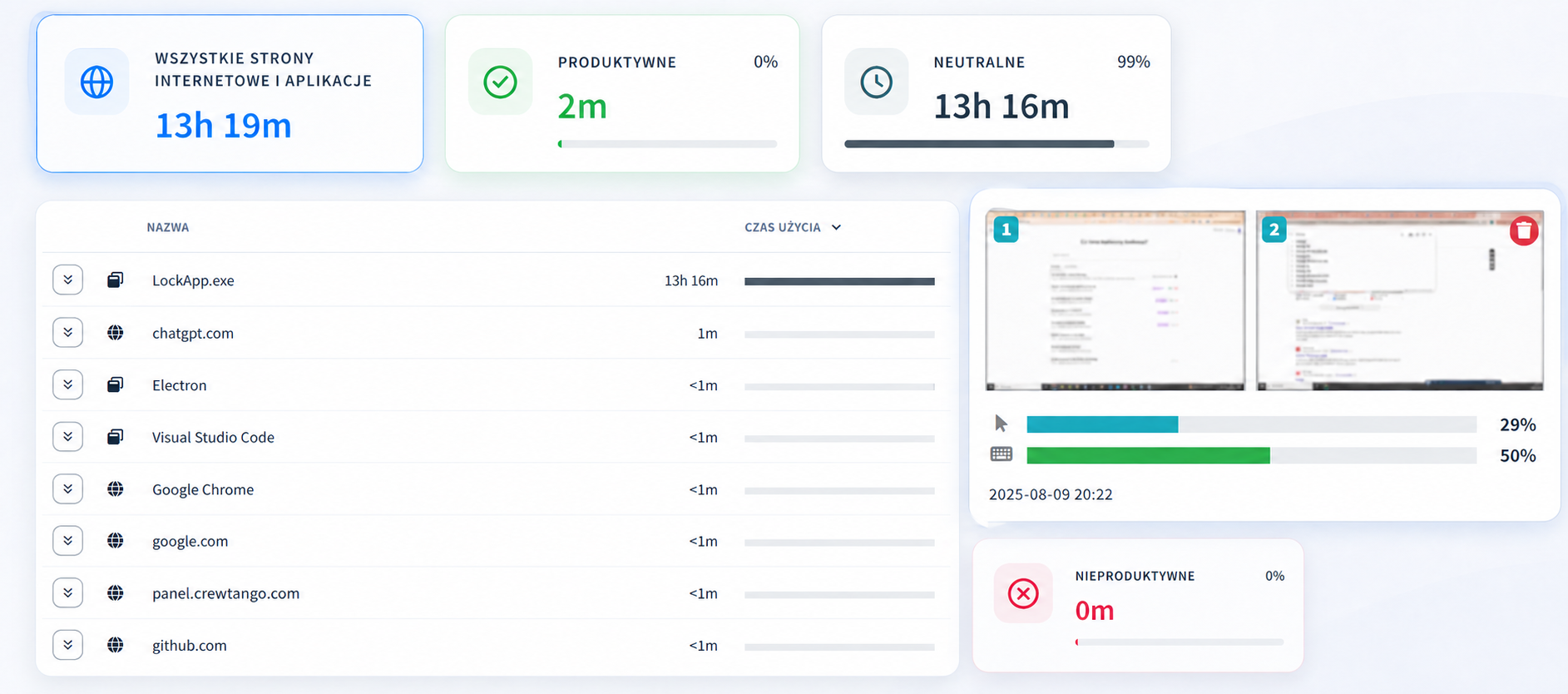
Set data collection scope separately for each role and team.
GPS and screenshots are optional and configurable.
Create an account and connect working time, tasks, schedules and pay calculations in one system.