Reception restroomNew
Missing suppliesThere are no paper towels.
Digital cleaning control in CrewTango
Place a QR card on site, show staff the instructions for that location and record every cleaning confirmation. Visitors report issues without an app, while managers see the complete workflow in one register.
QR or NFC · no visitor account · manager history
Included in COMPANY · activated on request. View plan details →
View recent cleanings or leave feedback.
Explore the full workflow
Try the complete workflow for one location — from staff instructions and confirmation to visitor feedback and a manager status update.
Data stays in this browser. The demonstration does not send feedback or photos.
Staff app · location identified
Ground floor · reception
Clean the floor and washbasins, check the bins and replenish soap, paper and towels.
Public view · no sign-in
Recent cleanings
Manager dashboard
There are no paper towels.
Last cleaning before feedback:
Today · 10:42
Start with the location you want to control
Add a restroom, floor, shared zone or an entire site. Define the card content, staff instructions, confirmation methods and information visible to visitors.
Name, location, card content and instructions are assigned to a specific place.
Choose QR, NFC and manual confirmation or recording directly after scanning.
Decide whether visitors see history and can send feedback or a photo.
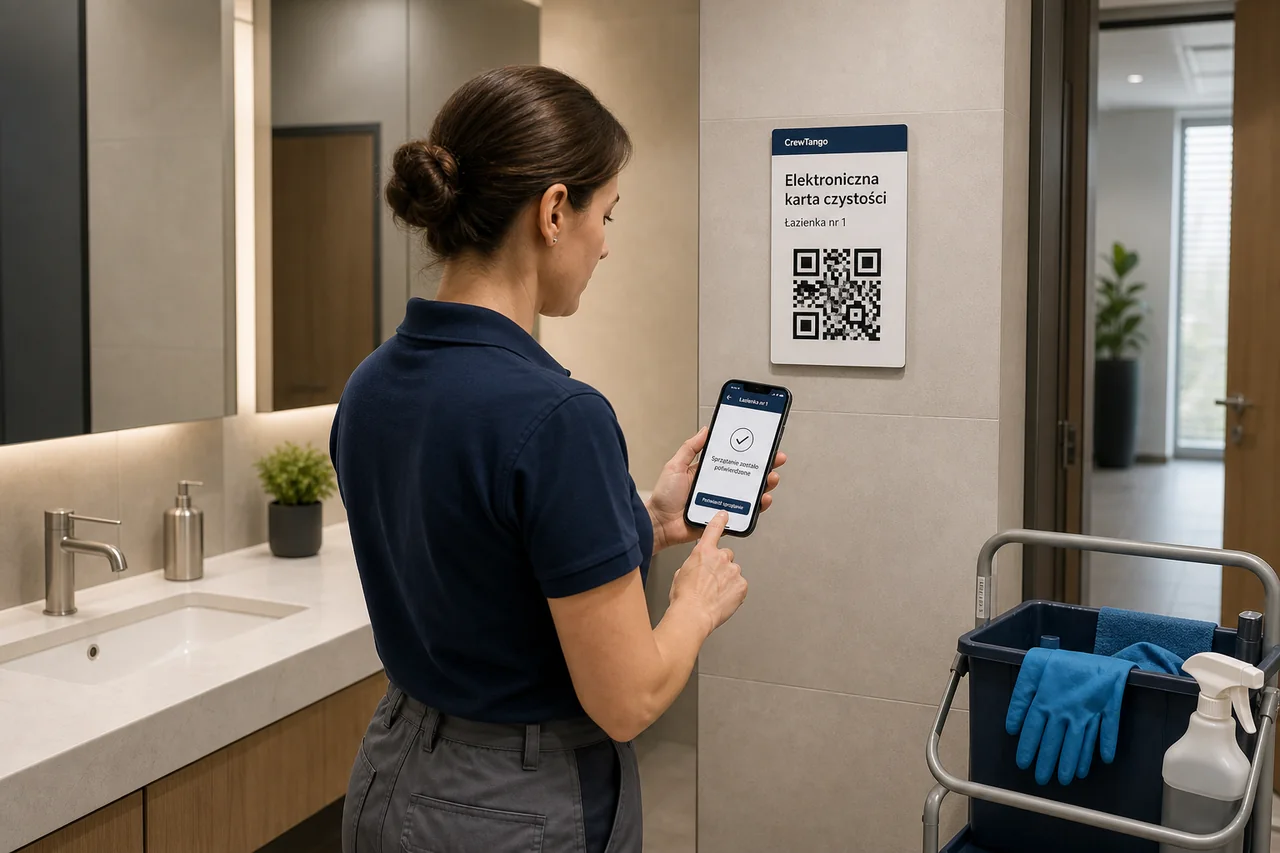
Simple for staff
Staff scan QR or NFC at the right location. The app shows the location name and instructions, then records the confirmation with the time and person.
The signed-in app identifies the person and links the record to their account.
The team can use a personal or shared terminal.
Convenient for visitors
Visitors scan the card with their phone camera. They can review recent cleanings and send feedback about that specific location — without signing in or installing an app.
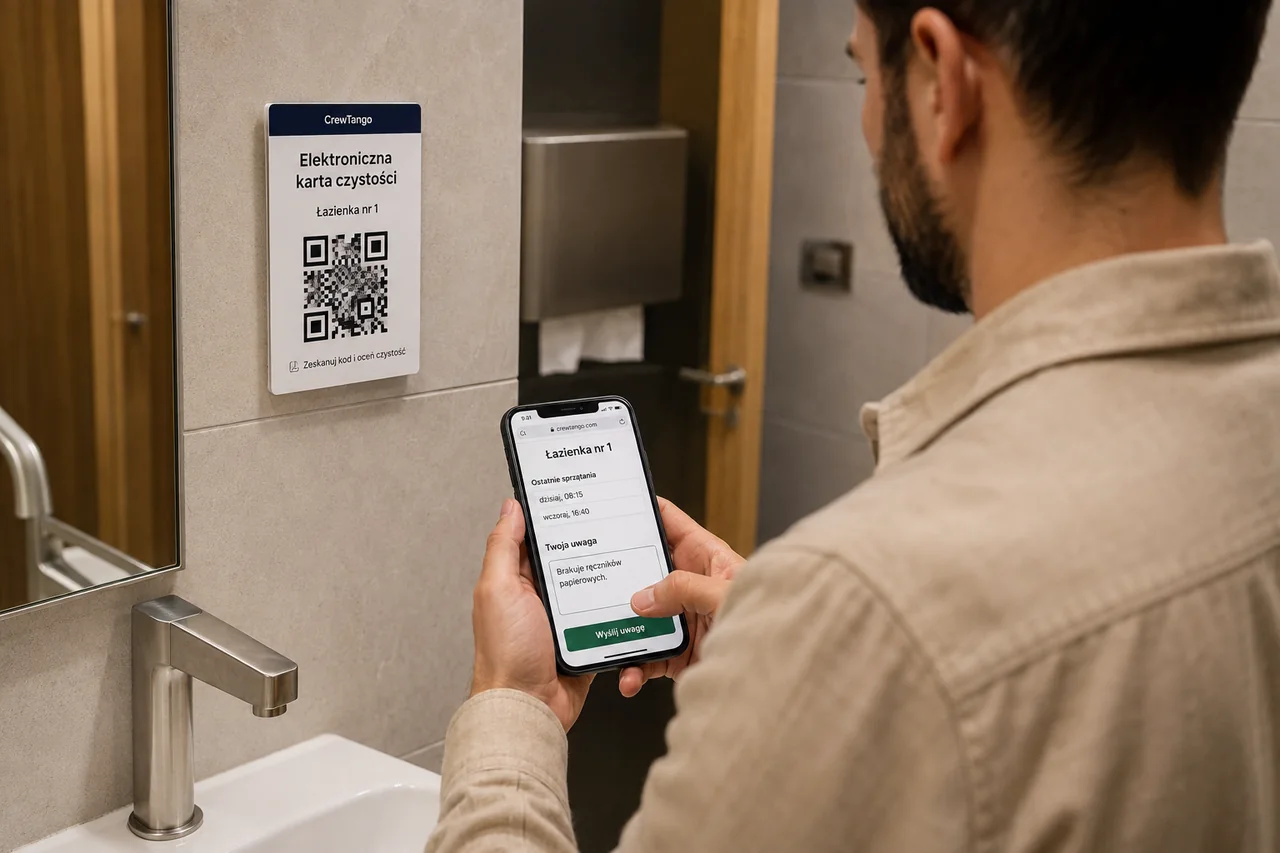
Recent cleanings
Workflow visible to managers
Filter confirmations by location, employee and date, and feedback by location, status and date. Review the confirmation method, last cleaning before feedback and its complete follow-up history.
One system, different sites
Give every zone its own name, instructions, confirmation methods and feedback recipients.

Restrooms, kitchens, reception areas, meeting rooms and shared spaces.
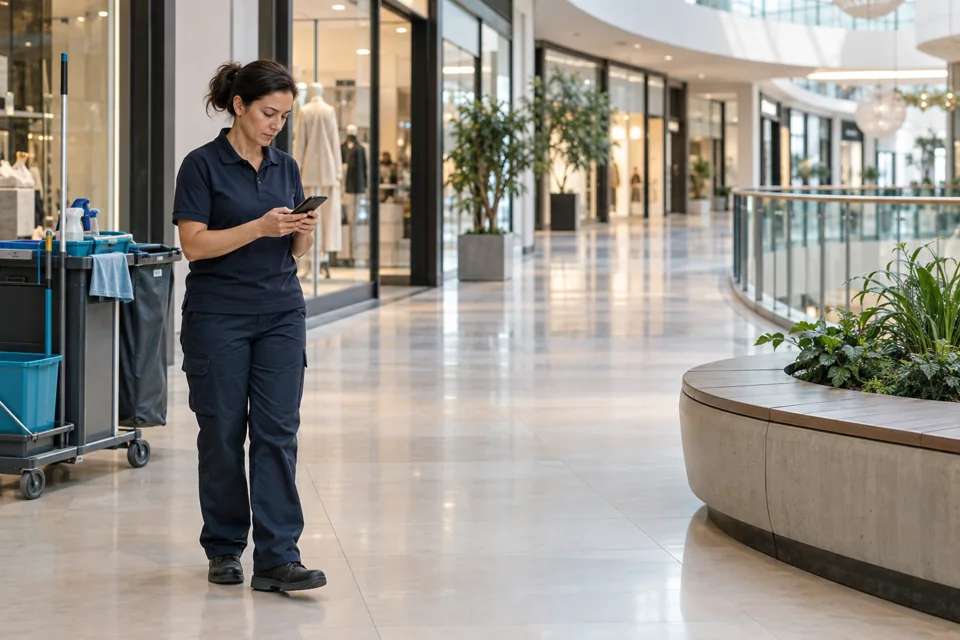
Shopping centres, stores, food courts, entrances and visitor restrooms.
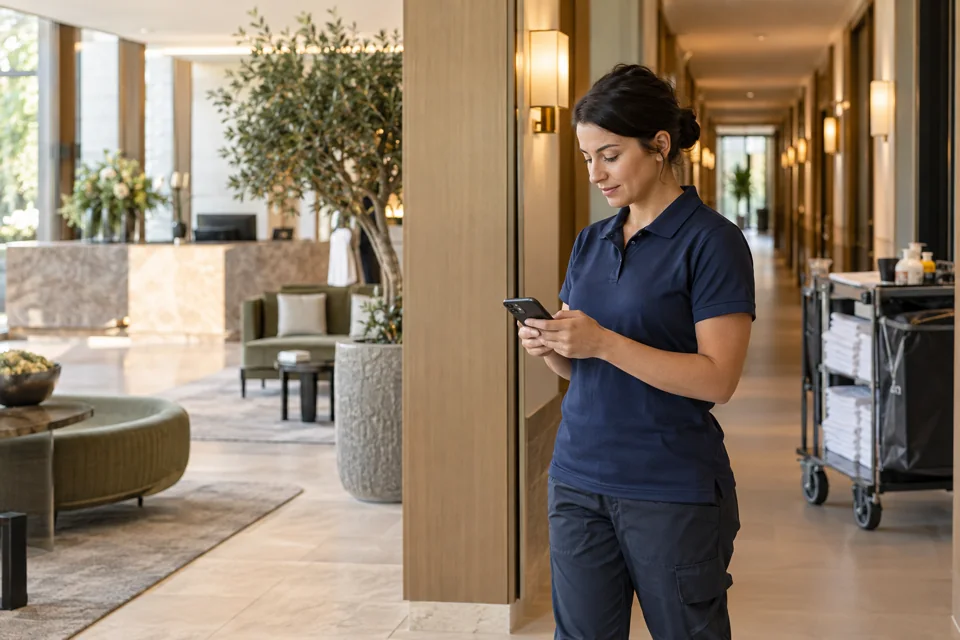
Rooms, lobbies, back-of-house areas, restrooms and guest spaces.
Illustrative photographs generated for CrewTango. System views use fictional data.
From feedback to resolution
Feedback reaches the CrewTango register and selected email recipients. Set recipients for the entire company or for a specific location.
Every status change remains in the history with the person and time.
Public card, controlled data scope
The public view does not show employee details. For every location, decide whether history is visible, feedback is accepted and photos can be attached.
Start with one location
You do not need to cover the entire site at once. Prepare one location, test every perspective and then expand the workflow.
Set the name, location and staff instructions.
Download the A4 QR card and optionally add NFC.
Choose staff and visitor feedback recipients.
Confirm cleaning, send feedback and check the dashboard.
Before the first scan
Match the public card, confirmation methods and devices to the organisation of each site.
No. The QR code opens the public card in the phone browser. Visitors do not need an account or the CrewTango app.
Yes. Staff scan it in the CrewTango app, while visitors use the phone camera. NFC can also be enabled for staff.
No. Public history shows only the dates and times of recent valid confirmations. Employee details are available only to authorised dashboard users.
No. The module works in the signed-in app, on a personal terminal or on a shared device.
Yes. Choose a confirmation screen or immediate recording after a QR or NFC scan for the company or an individual location.
To the module register and configured email recipients. Set recipients for the whole company or a specific location.
The record is not deleted from history. An authorised person can void it with a reason, and the system keeps the person and time of the action.
This module records confirmation for the entire location according to its instructions. For ticking off individual activities, use the separate tasks and checklists module.
Yes. Filter the register by location, employee and date, then export it to CSV.
Your site. Your workflow.
During the demo we will prepare an example for your site — from staff instructions and confirmation to visitor feedback and the manager register.