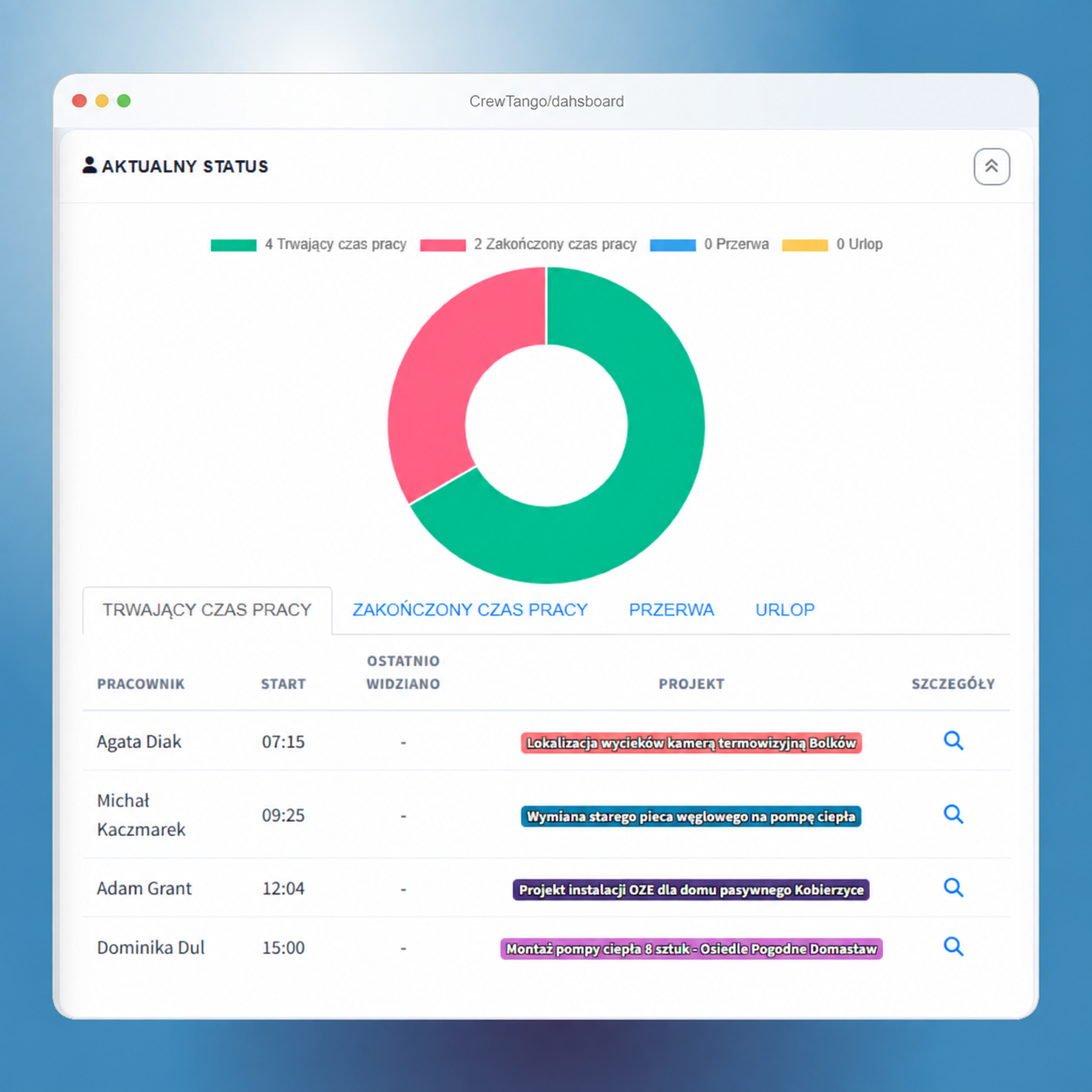
When some people work remotely on computers and others in the field, a consistent overview is essential. CrewTango connects time, tasks, schedules and reports so managers see facts and teams have clear rules.
Without a shared tool, updates, calls, guesswork and pay disputes create confusion.
Too many update requests and too little data.
Time from different workplaces does not form one summary.
Priorities and ownership get lost across threads.
Hybrid and field work without a schedule means constant rearrangement.
Problems appear only after the deadline.
There is no clear breakdown of time and rules.
When tasks, schedules and work sessions are visible together, managers can see the day without assembling messages and spreadsheets.
Everyone uses the tool suited to their work. Managers receive a shared summary without combining records manually.
Time, tasks and files from the field.
Working time and the agreed additional information.
Connects the whole team's time, schedules, tasks, projects and reports.
Each task has assignees and a deadline, making communication clearer.
Example columns: To do → In progress → Review → Done. See the current stage and people responsible.
Context stays with the task.
For mixed teams, Kanban gives office and field staff a shared view of work.
When people work in the office, remotely and in the field, scheduling keeps plans clear. See staffing, roles and locations, then compare actual work with recorded time.
Compare selected periods and review the whole team's work, wherever they work.
work sessions in the selected period
rates and pay components
stage, deadline and ownership
time linked to work context
Create an account or book a walkthrough of an example setup for hybrid and field teams.
Check priorities, owners, statuses, comments and attachments together instead of asking across channels.
Managers see the current stage, deadline, priority and change history without requesting a separate update.
Define data scope, roles and visibility transparently. Enable the data sources your process needs.
Start with tasks and time tracking, then adapt the rest to roles and teams.