Across multiple sites, missing information costs time: who is on site, what is in progress, how many hours a stage took and where rework is increasing. CrewTango connects time, schedules, tasks and documentation to keep construction work under control.
A consistent process is essential: plan → complete → document → review.
Crews work across sites, and updates remain on phones.
Stages are assessed by guesswork, and acceptance checks bring surprises.
Working hours and overtime calculations become disputed.
No early warning of rising costs.
Work is managed through chats and reminders.
Completion photos and evidence get lost in personal galleries.
Together, these give managers a clear view of progress, simplify planning and organise acceptance checks and costs.
See how many hours each crew spent on each stage.
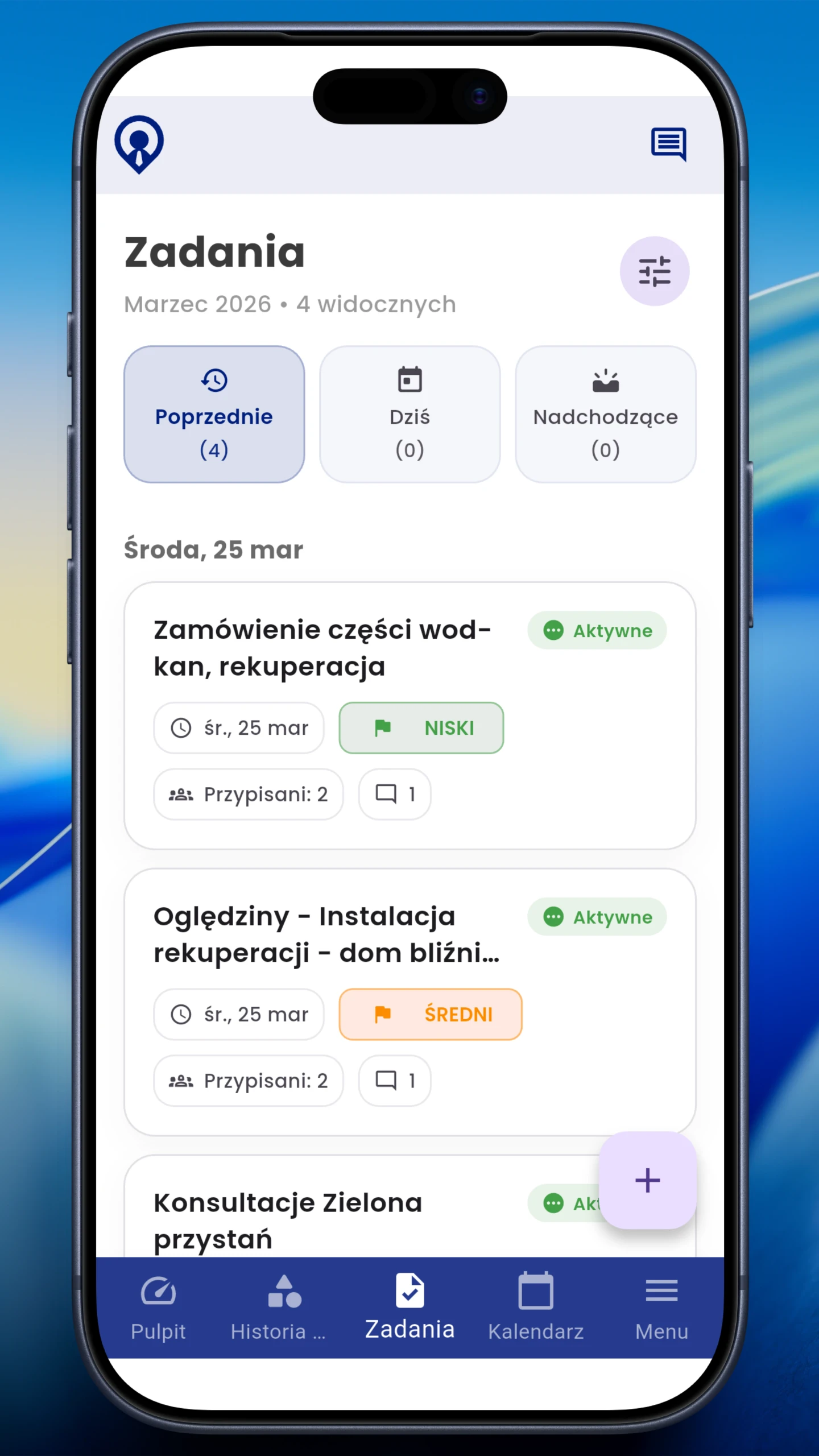
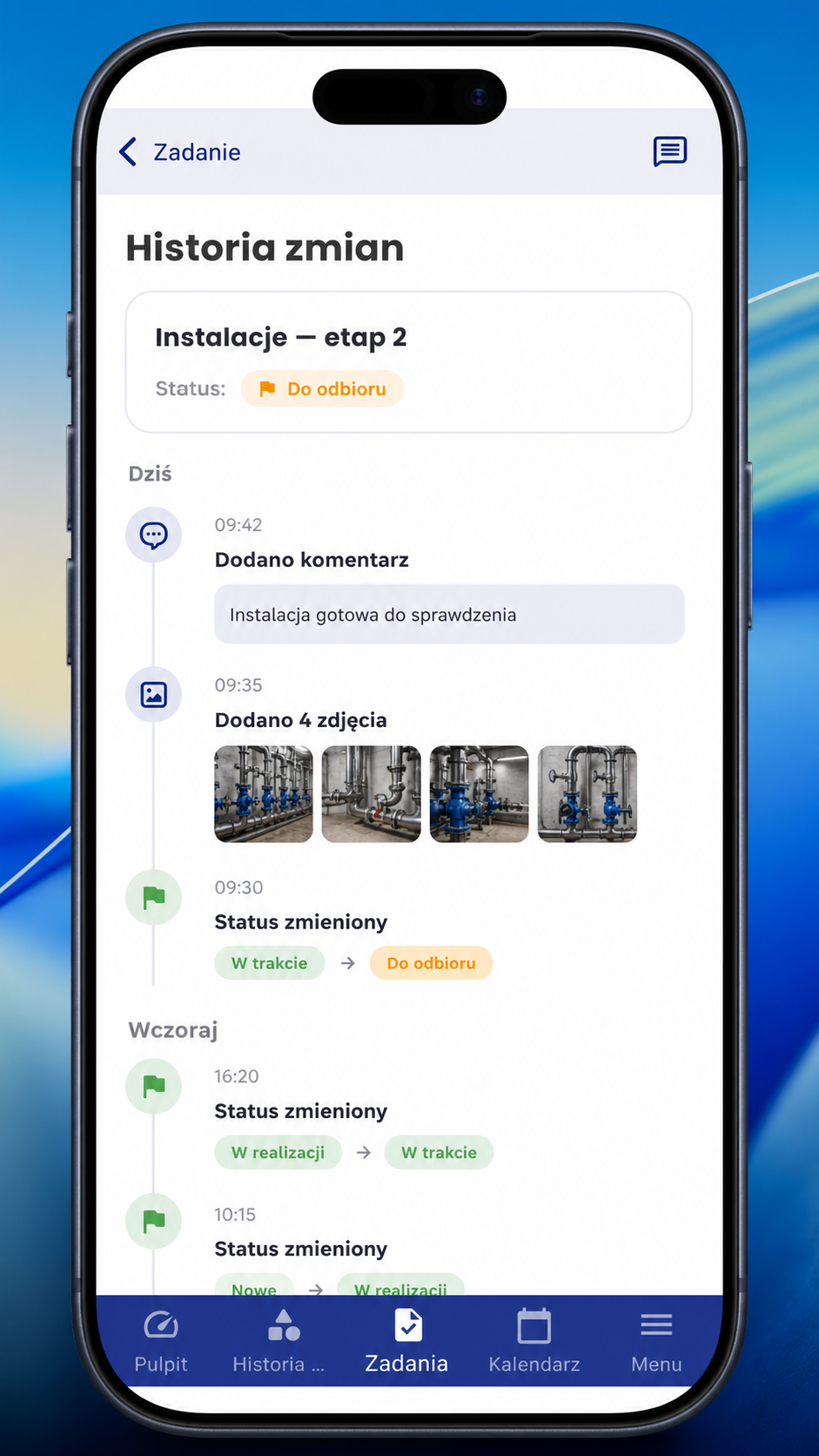
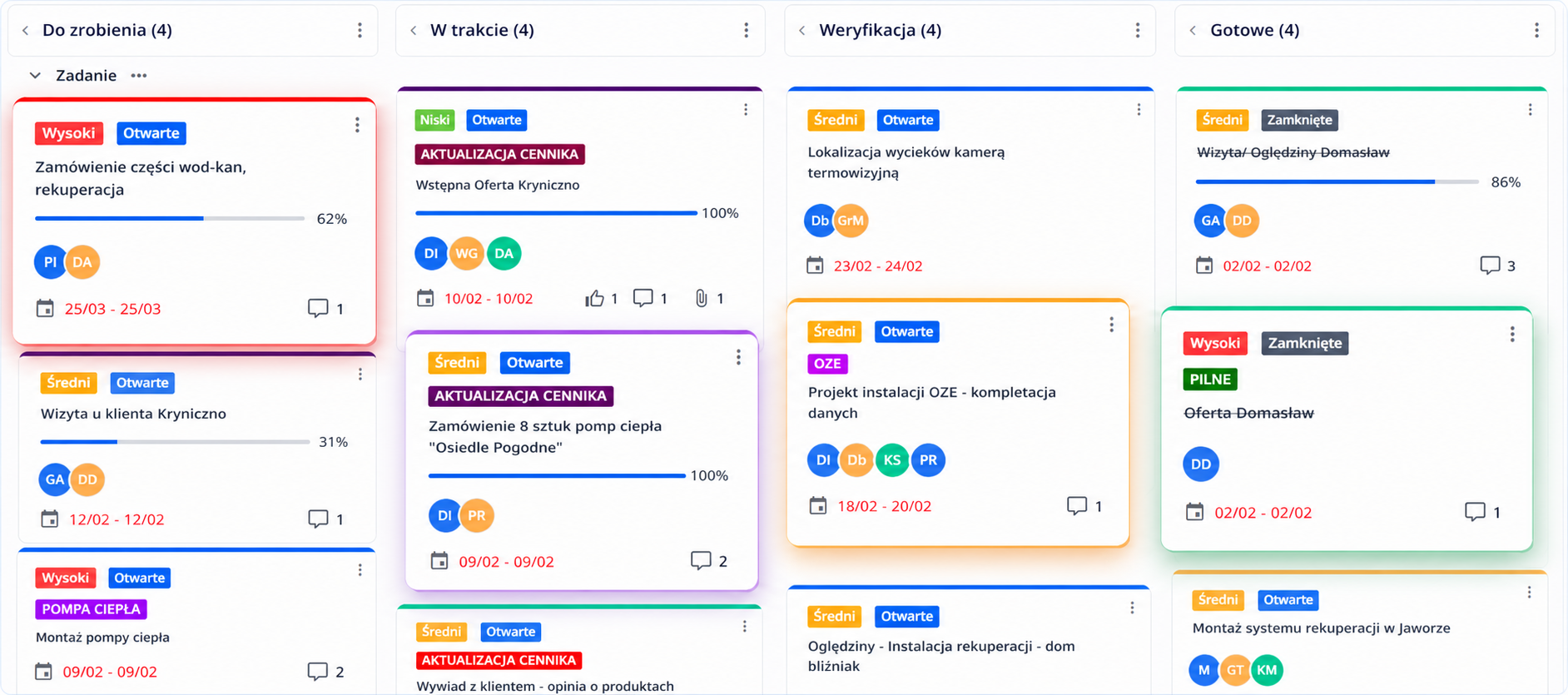
Immediately see what needs doing, what is in progress and what awaits acceptance.
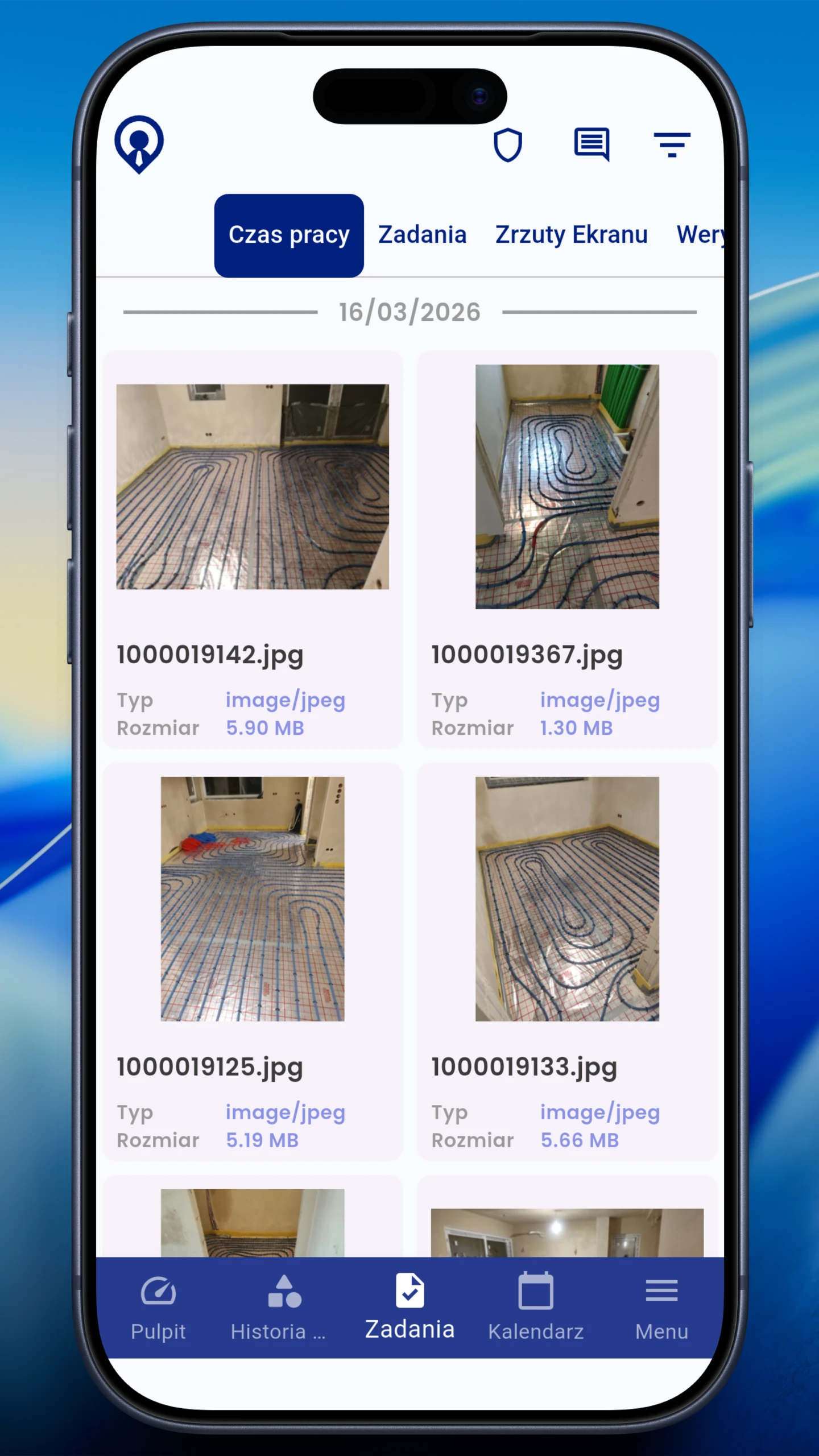
Before-and-after photos and files attached to the task.
Construction needs a repeatable process that works across sites.
Break work into stages to make progress easier to measure.
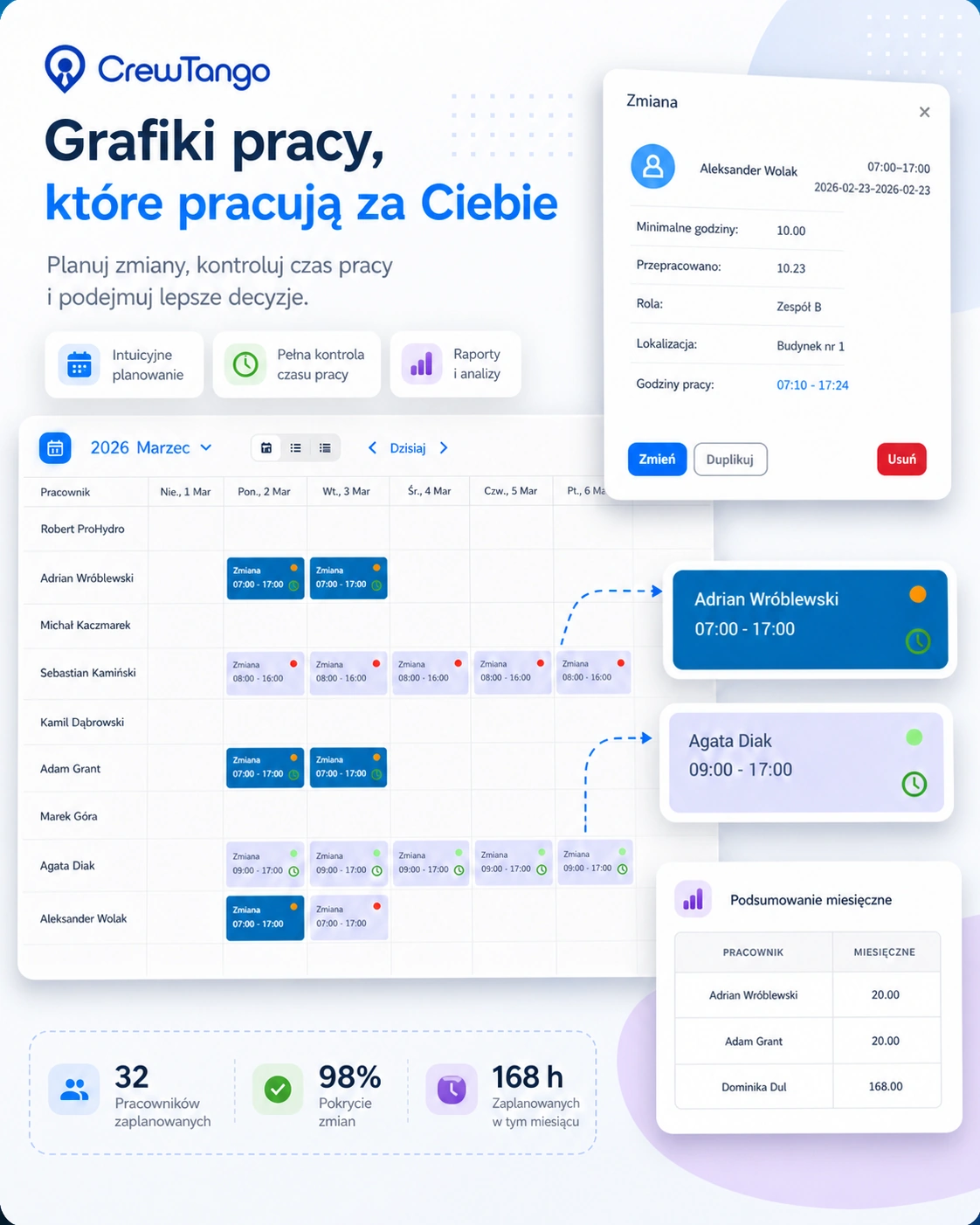
Everyone knows where to be and in what role, without last-minute calls.
See what is in progress and what awaits acceptance.
Completion photos and comments stay in one place.
Recorded time, required hours, late arrivals and absences without manual calculations.
Documentation linked to tasks and stages simplifies acceptance, cost calculations and discussions with subcontractors.


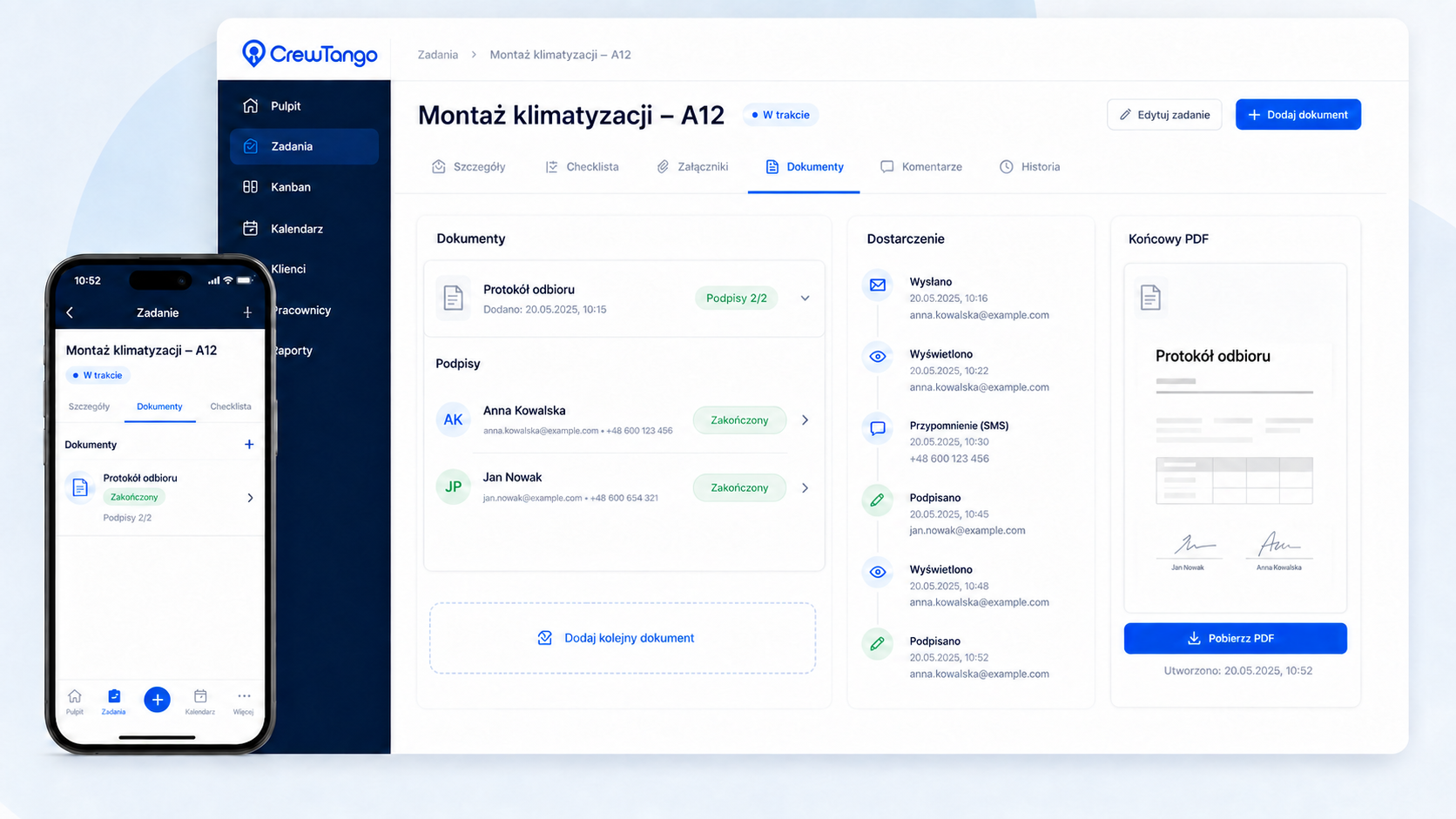
Prepare an acceptance or stage completion report from a template. Managers, employees and customers sign their assigned fields, and document status stays visible alongside task history.
Document linked to the construction project, task and people responsible.
Agreements, fields and signatures in one process.
Employees sign on phones, and customers use a secure browser link.
Once required signatures are collected, the document is available with the task.
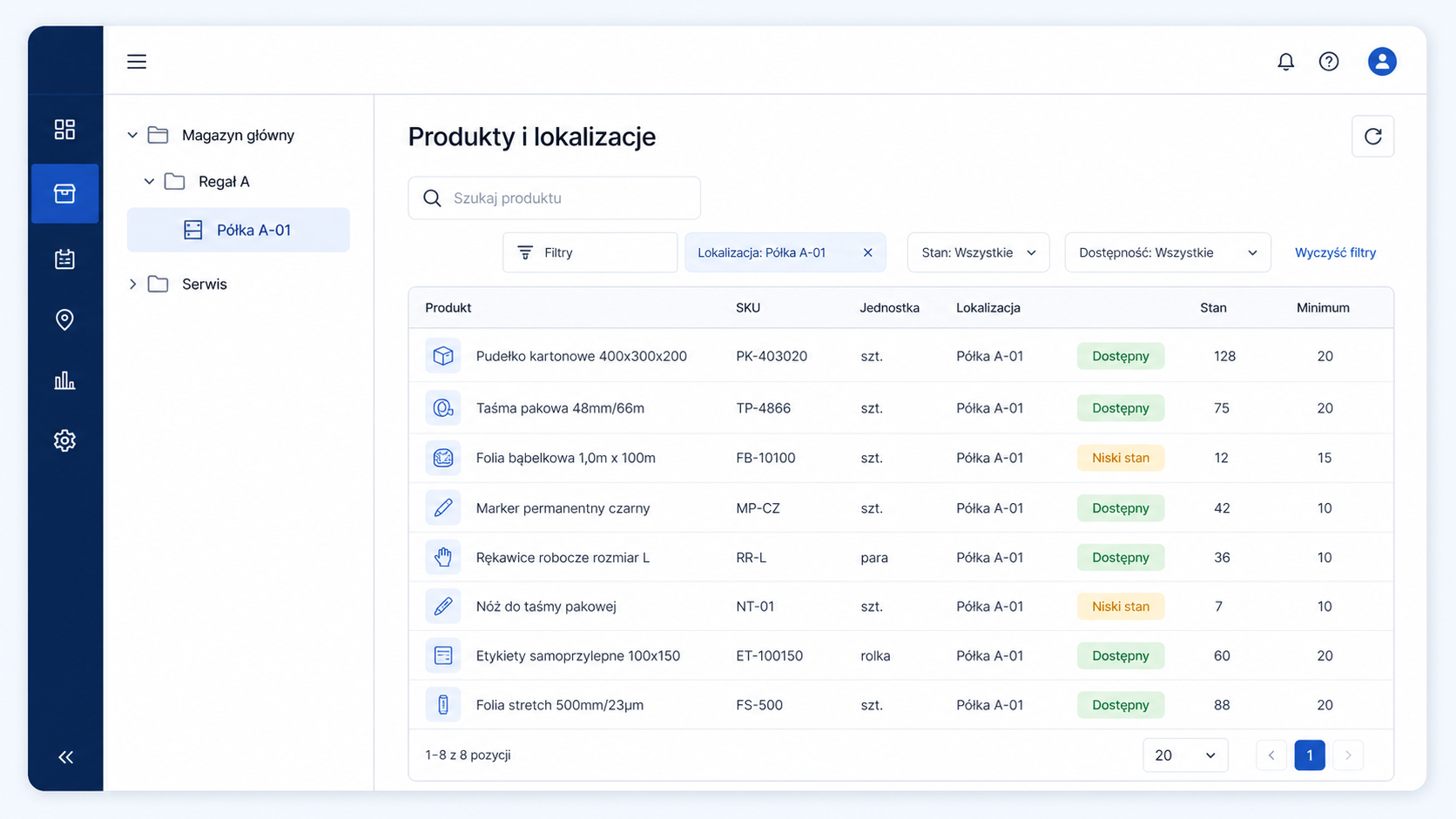
Separate stock across warehouses, containers and site locations. Record receipts, issues, returns and transfers, retaining the person, quantity and stock level before and after every movement.

Create an account or book a walkthrough of a workflow for crews and stages.
Create multiple crew and site schedules. Assign roles such as electrician, plumber or installer, and locations such as Site A or B. Plan shifts ending the following day as well.
Set up boards and columns for your workflow: To do → In progress → Awaiting acceptance → Done.

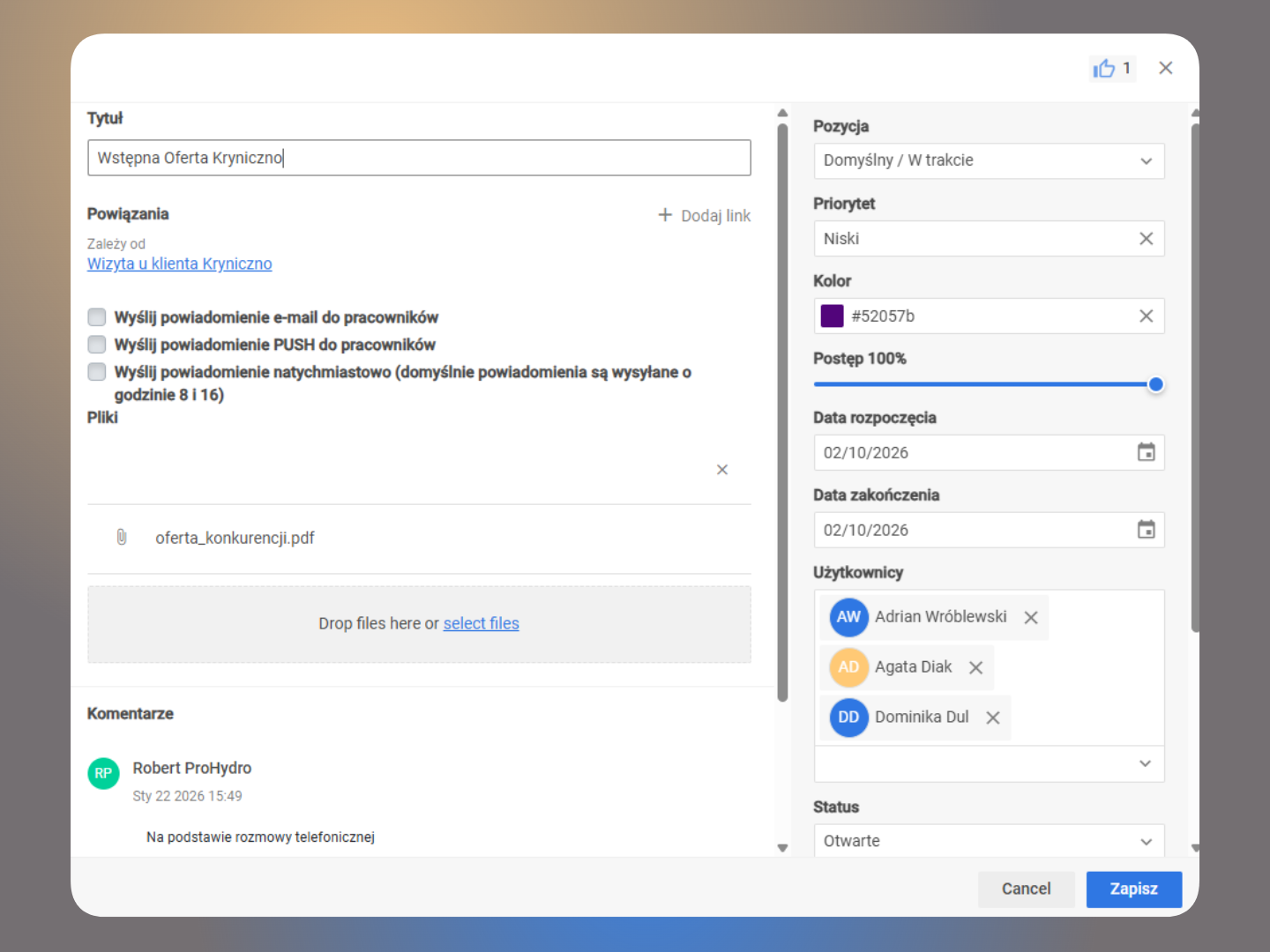
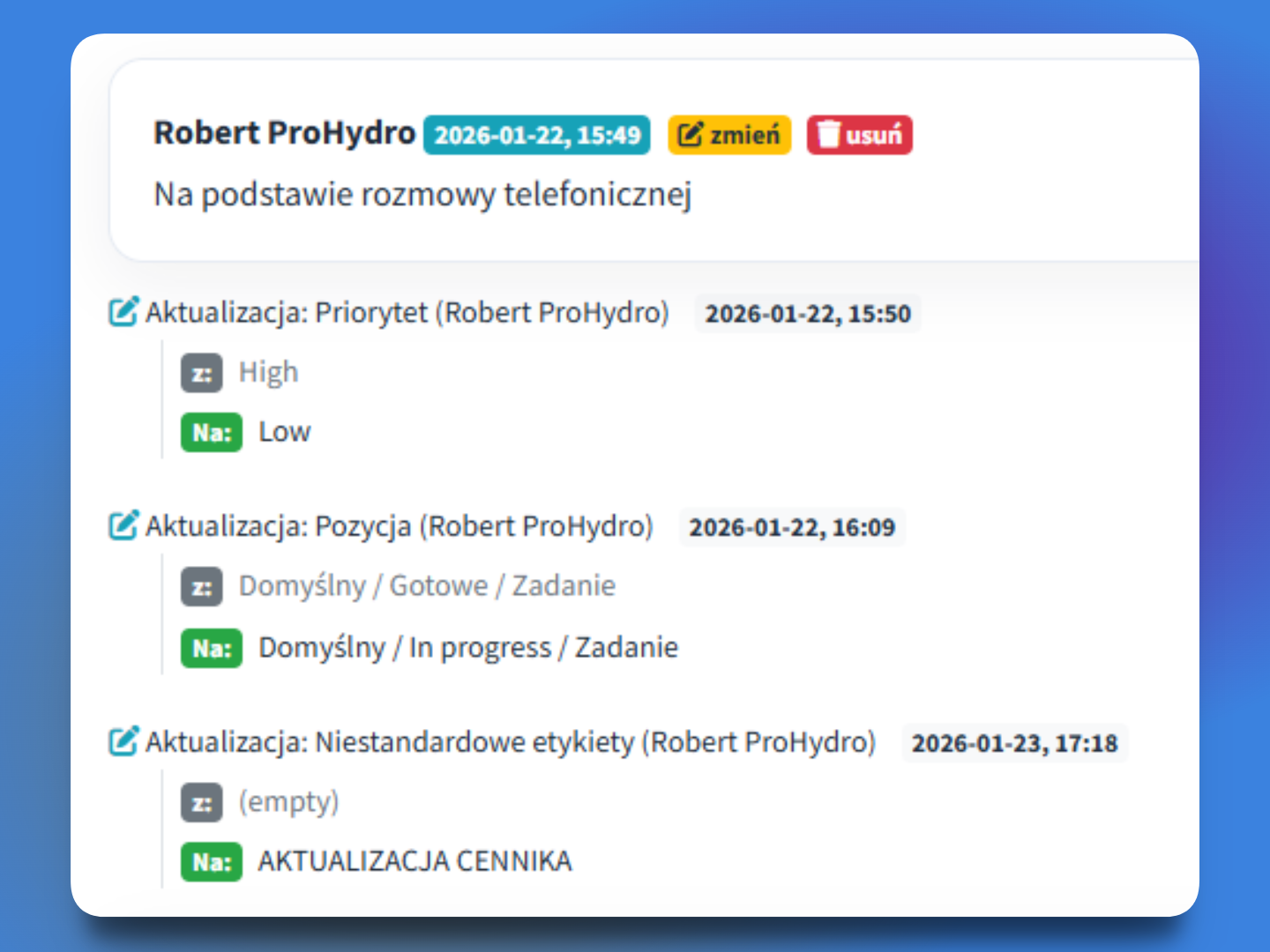
Add descriptions, priorities, comments, photos and files needed for acceptance to each task.

Link related tasks and check their statuses to coordinate the next stages more easily.

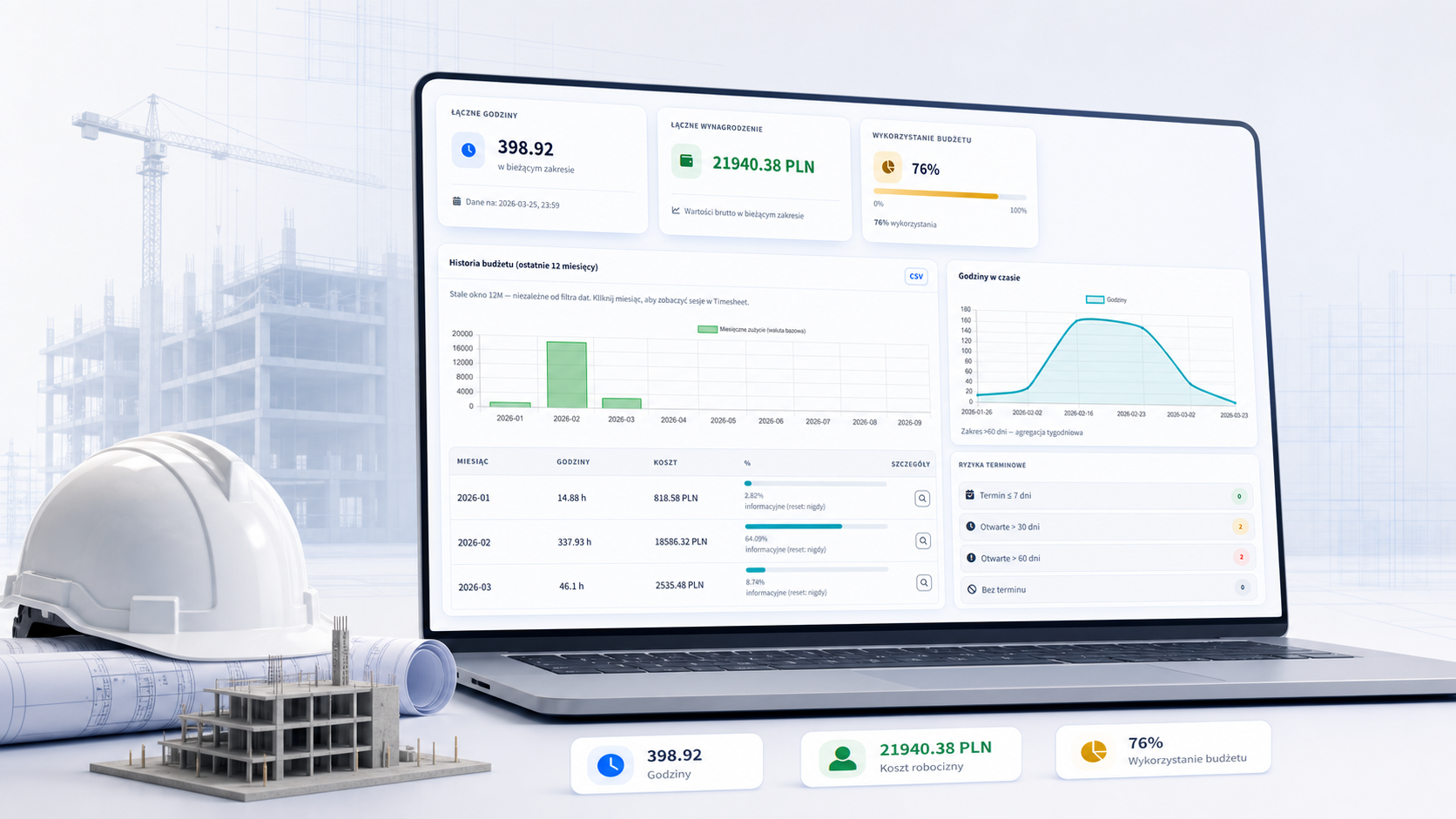
Connect crew time, rates, overtime and the project budget. CrewTango shows current results, cost history and deadline risks.
Sample project data: open each month and check the time history.
Work sessions show who worked on which project, while tasks retain statuses, comments and attachments. Information needed for cost and pay calculations stays together.
Stage status, acceptance checks and crew oversight.
Tasks, Kanban and organised shifts.
Reports, calculations and exports.
Clear plans, tasks and completion evidence.
Start with schedules and documented tasks, then adapt the rest to your team.
Download an example with fictional data to discuss your own workflow. Open it, print it or save it as a PDF from the browser.
Photos and comments document completed work, and the task’s report collects required signatures. Explore a sample document layout to discuss your acceptance process during a walkthrough.