Time assigned to the project
The work session is linked to the correct job, so hours can be matched with a specific crew's work.
Crew planning, work confirmation and hour calculations can happen in one place. CrewTango connects schedules, tasks, mobile documentation and time tracking to help deliver jobs efficiently and keep costs under control.
If you manage mobile crews, these situations will be familiar. CrewTango turns them into a process you can oversee.
Actual working and travel time is hard to establish, and pay calculations drag on for weeks.
Photos stay on personal phones, and customers raise concerns afterwards.
Schedule changes go through chat, and someone misses the update.
Overtime and rework increase job costs when the budget is checked only afterwards.
Make the process clear: who is working, what they are working on and what has been completed.
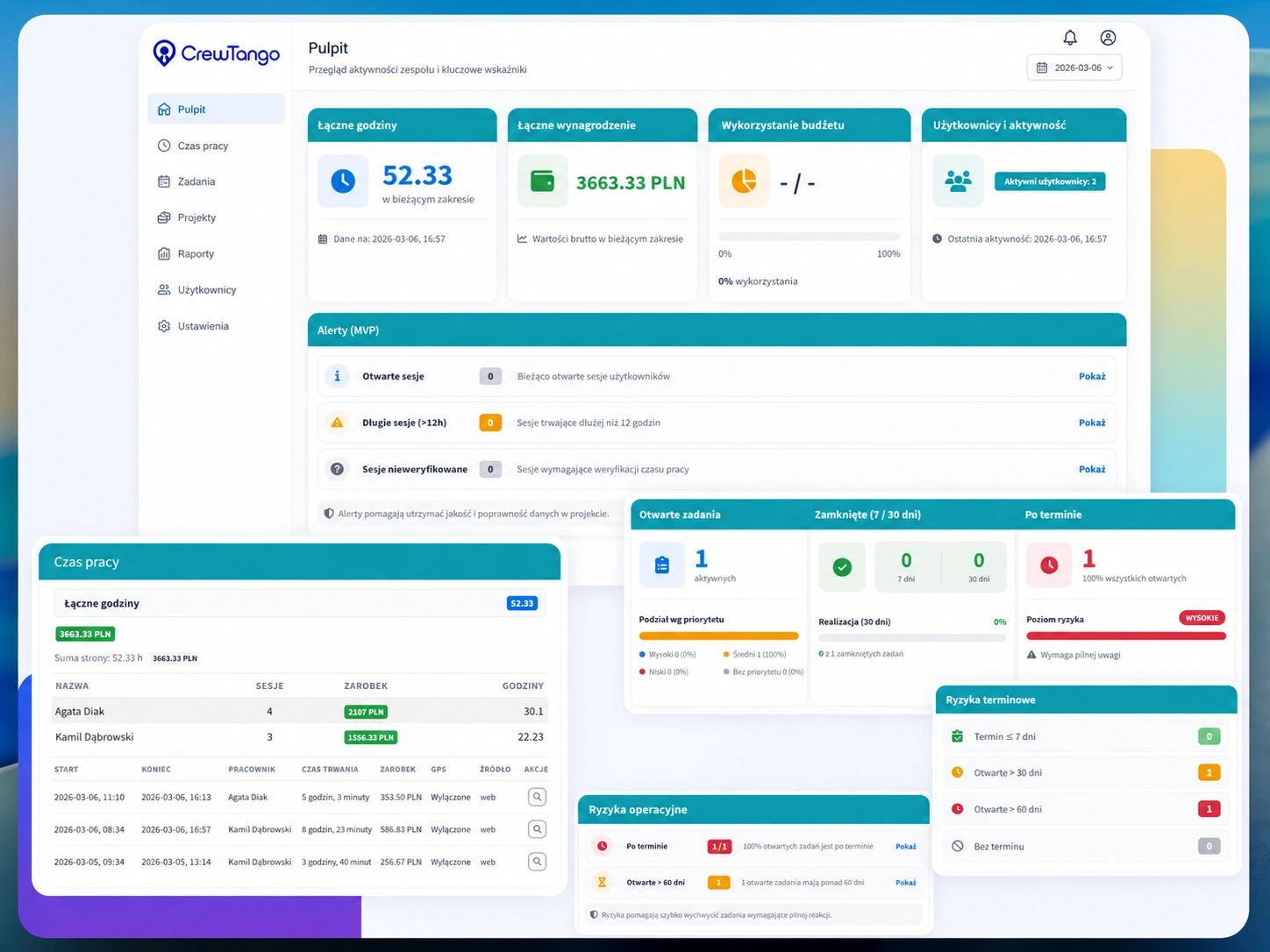
Mobile time tracking and clear summaries show how long each person spent on a job.
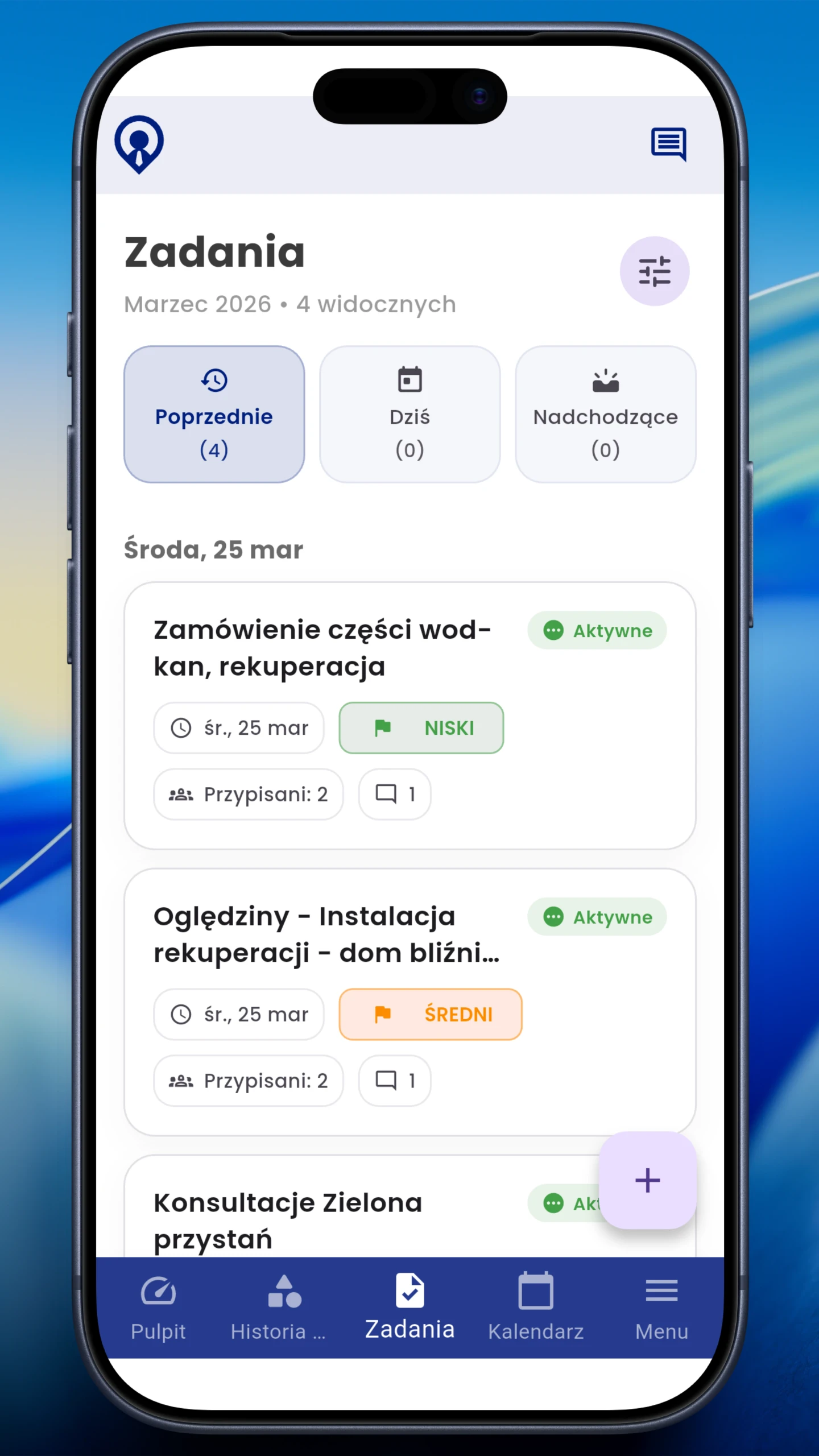
Tasks, statuses and ownership replace scattered chat threads.
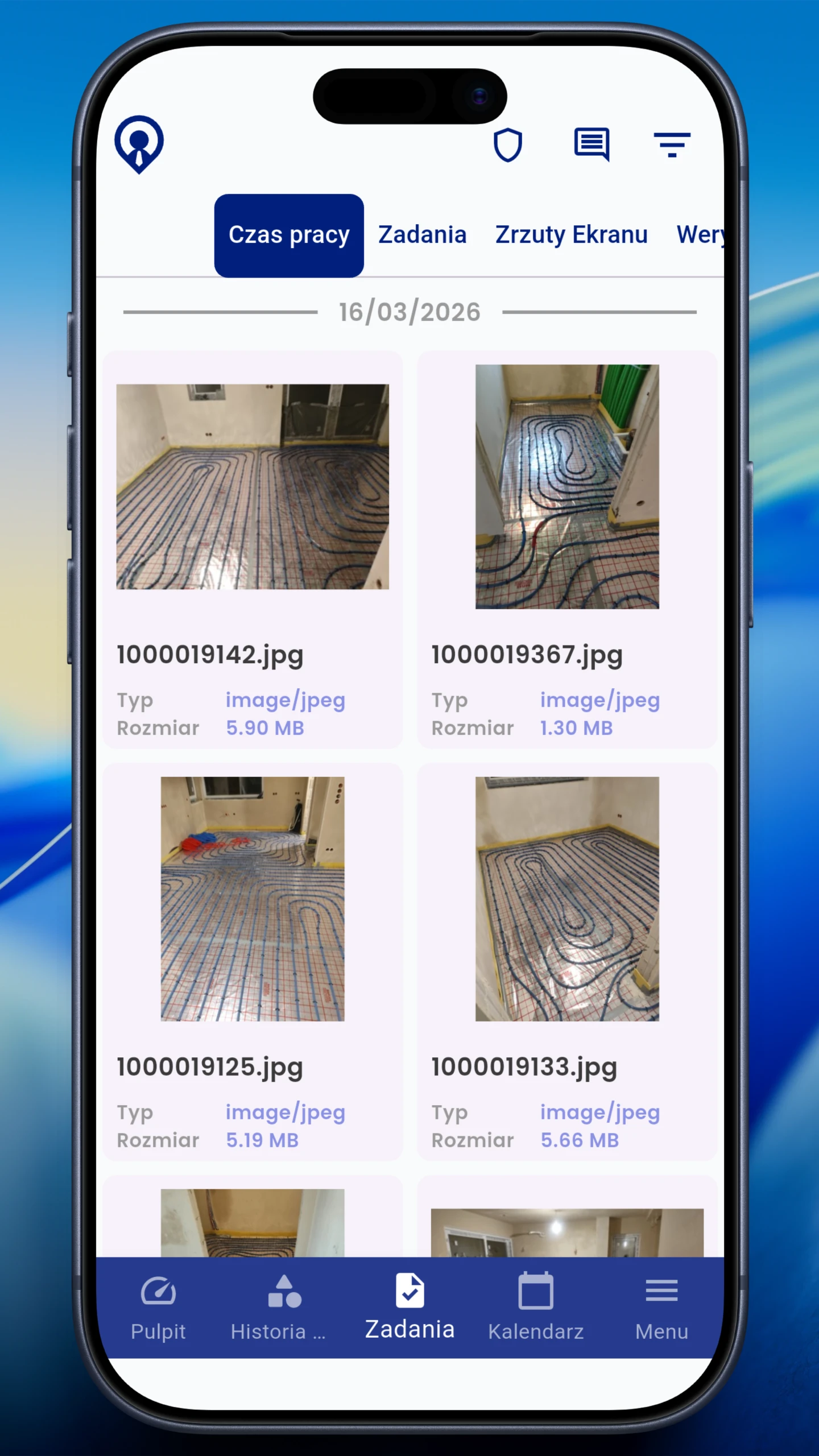
Job photos and supporting files together, ready for review.
A simple field service process: plan → work → confirm completion → review.
Decide who works, in what role and where.
One task = clear ownership + deadline + description.
Start/stop, comments and updates without calling the office.
Files stay with the job and remain organised.
Spot late arrivals, absences and minimum-hour shortfalls immediately.
In field service, work evidence matters as much as time. Keep everything in the system instead of searching chats and phones.
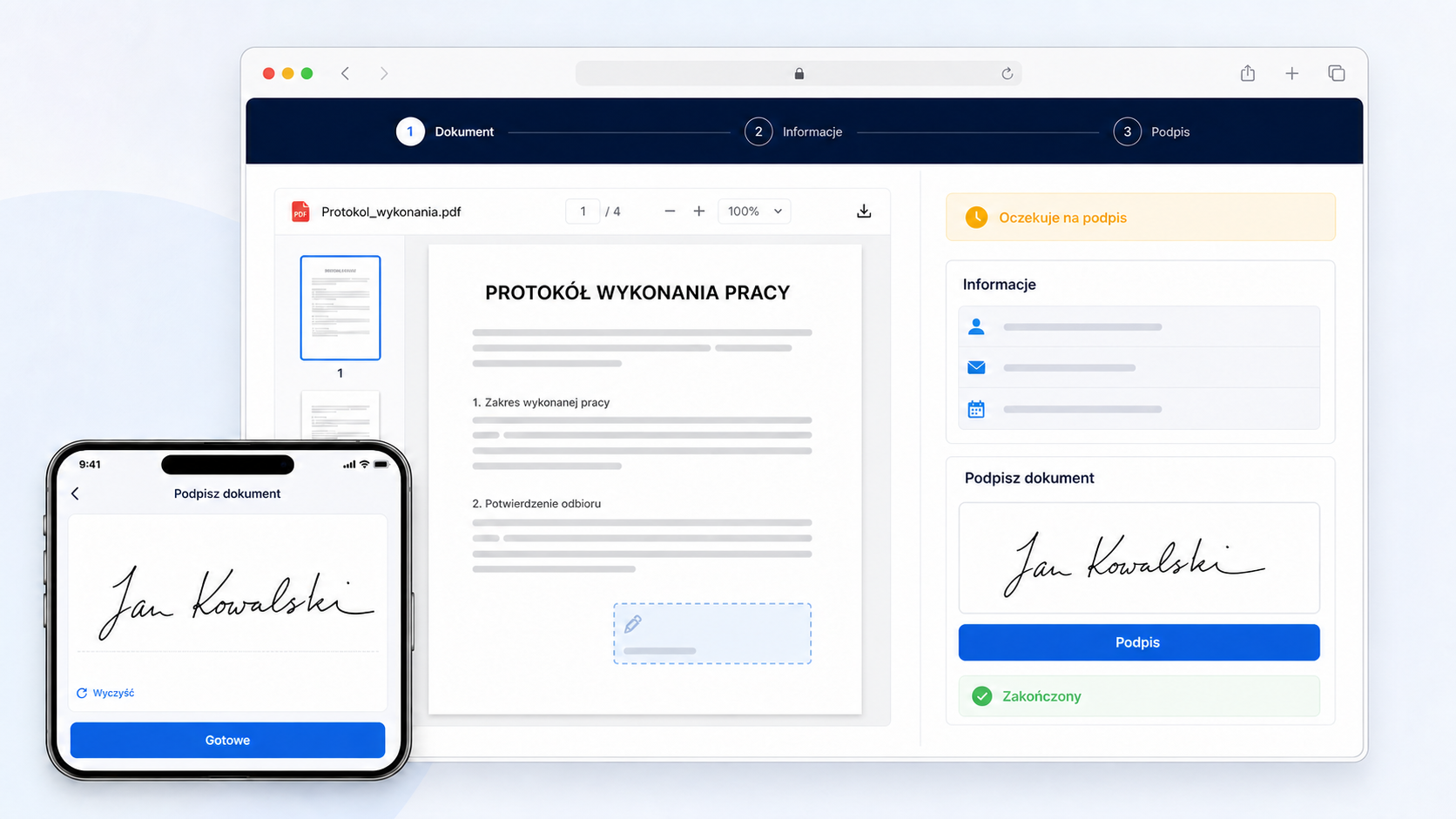
After completing a job, technicians open the task's document, check equipment details and sign their section in the mobile app. Customers receive a secure link and sign in the browser.
Creation, sending and signing depend on modules and user permissions.
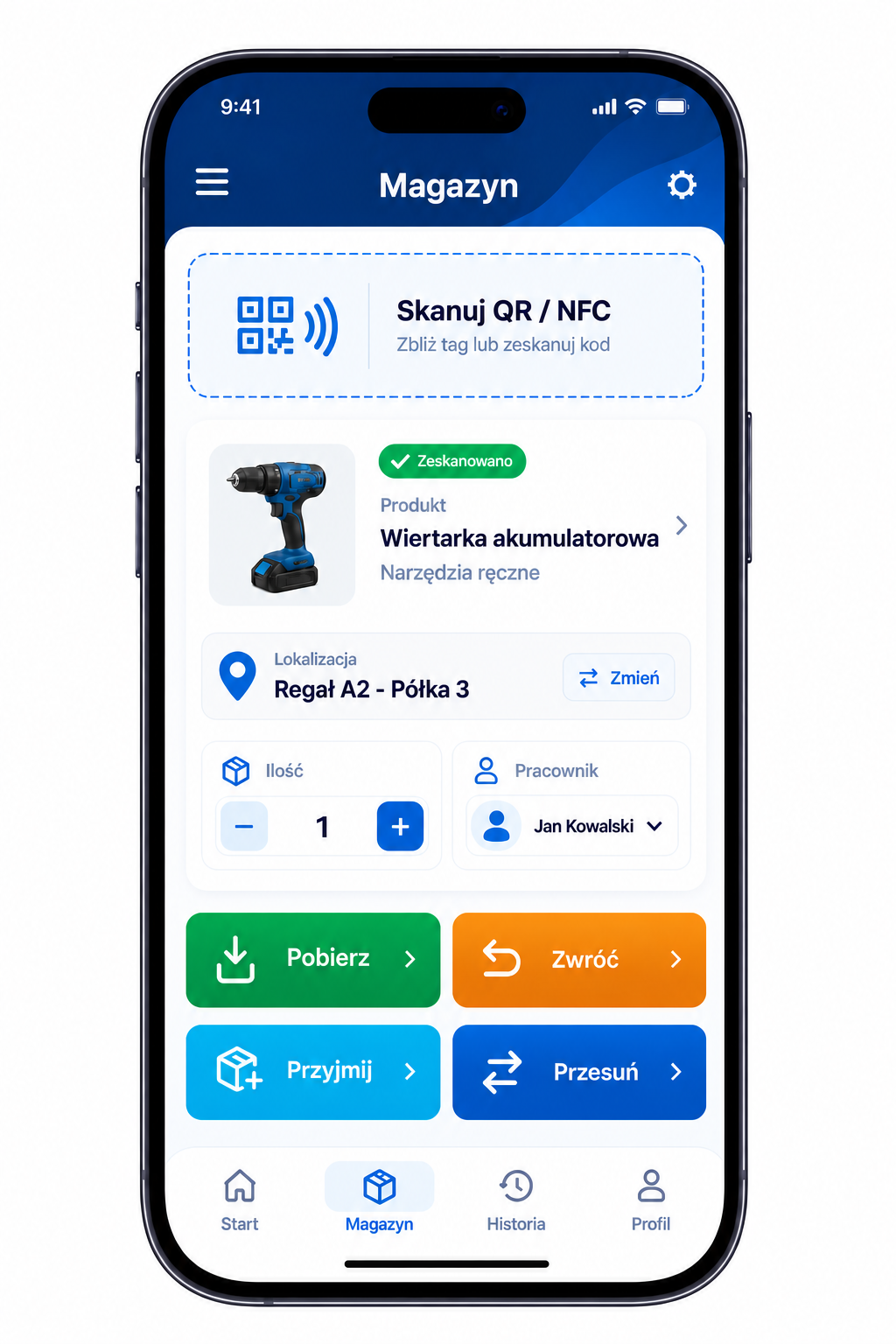
Technicians scan a QR code or NFC tag, collect parts from the warehouse and record unused materials returned after the visit. Managers see current stock and movement history.
Product, quantity, location and recipient.
Unused parts return to stock.
See who recorded each movement and when.
Create an account or book a walkthrough of a sample HVAC workflow.
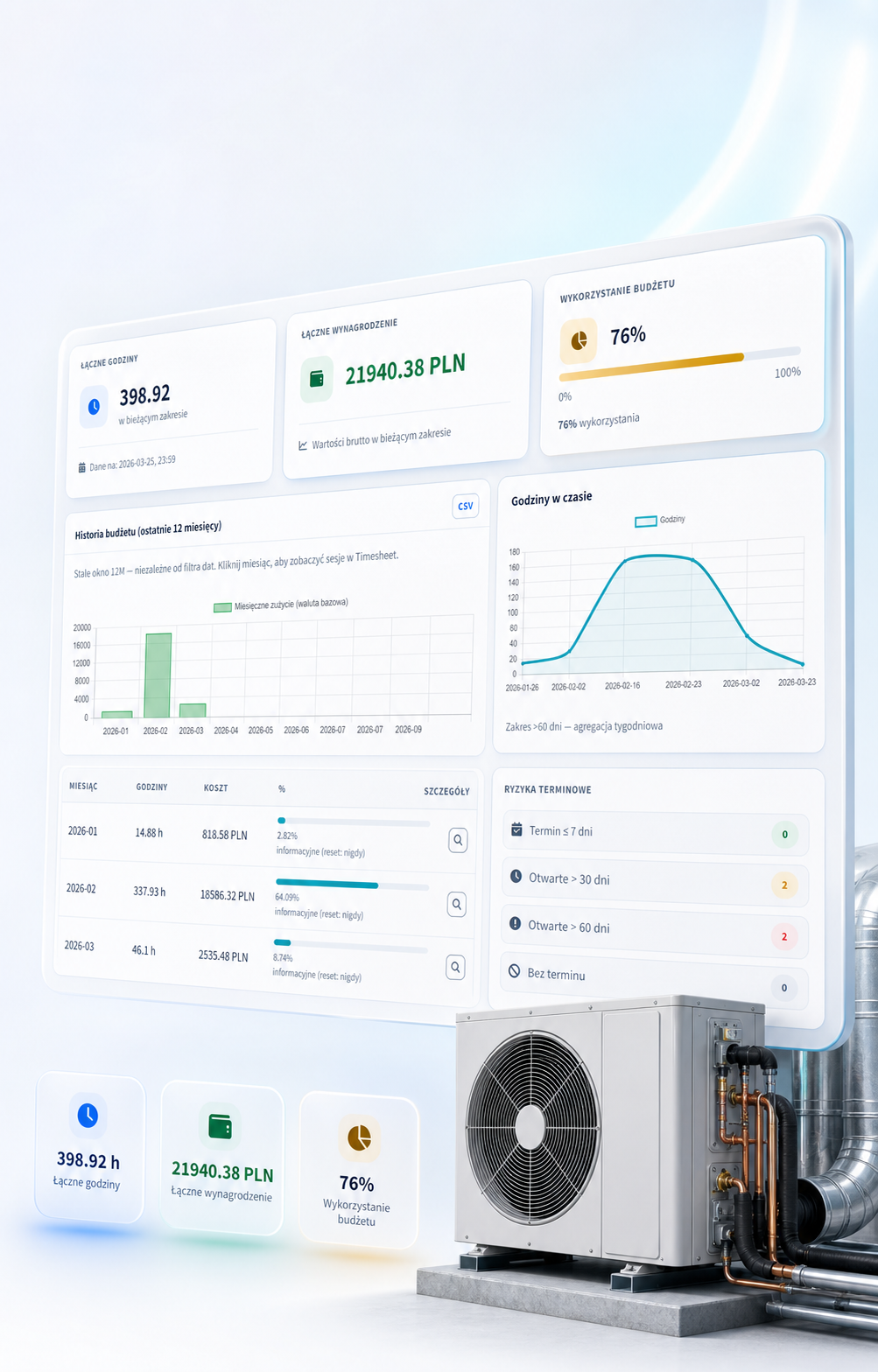
Reports connect working time, overtime and labour costs so you can monitor project budget usage.
spot deviations immediately
check allowances and multipliers
breakdown by job or project
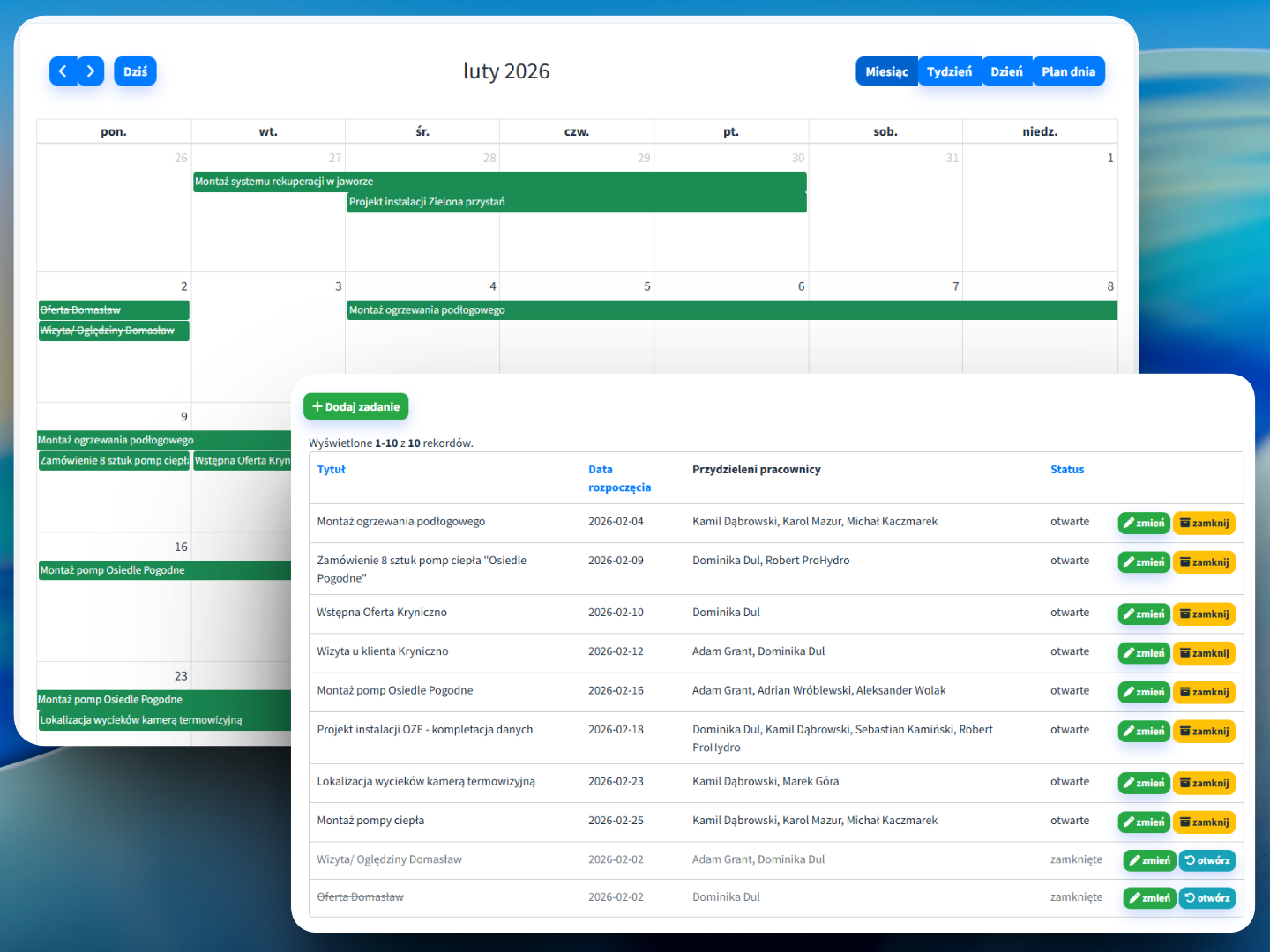
Assign shift roles, such as installer or technician, and locations, such as Site A or B. See night shifts and team hours as well.
| Crew | Mon | Tue | Wed | Thu | Fri |
|---|---|---|---|---|---|
| A | Site A | Site A | Night shift | Site B | Service |
| B | Service | Site B | Site B | Night shift | Night shift |
From receiving the job to documenting completion, crews and managers work with the same records.
Each task connects work scope, dates, priority and assignees. Managers see the plan, and crews know what to do on site.
Kanban organises jobs by stage. Adapt columns and boards to service, installation or purchasing workflows.
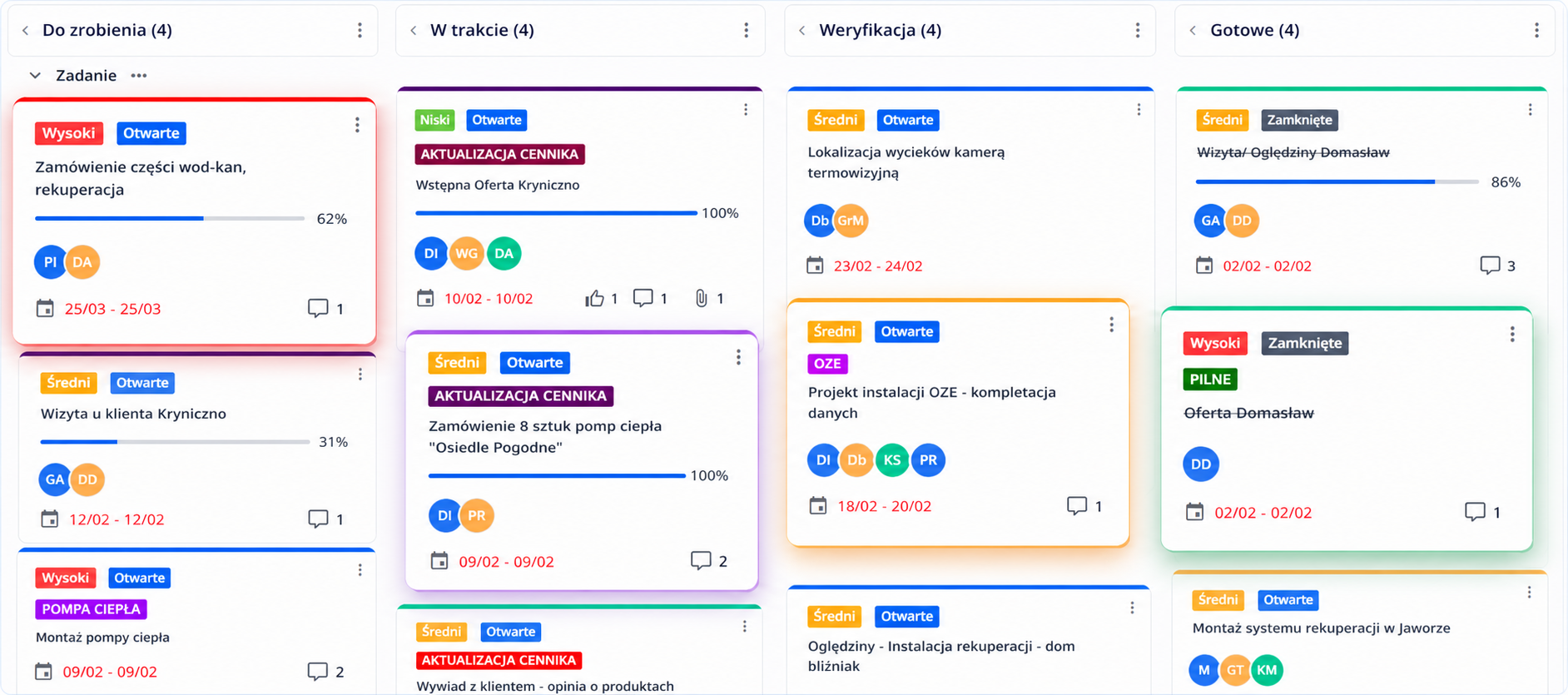
Comments, documents and status changes stay with the job. Managers can follow the history without reconstructing calls and messages.
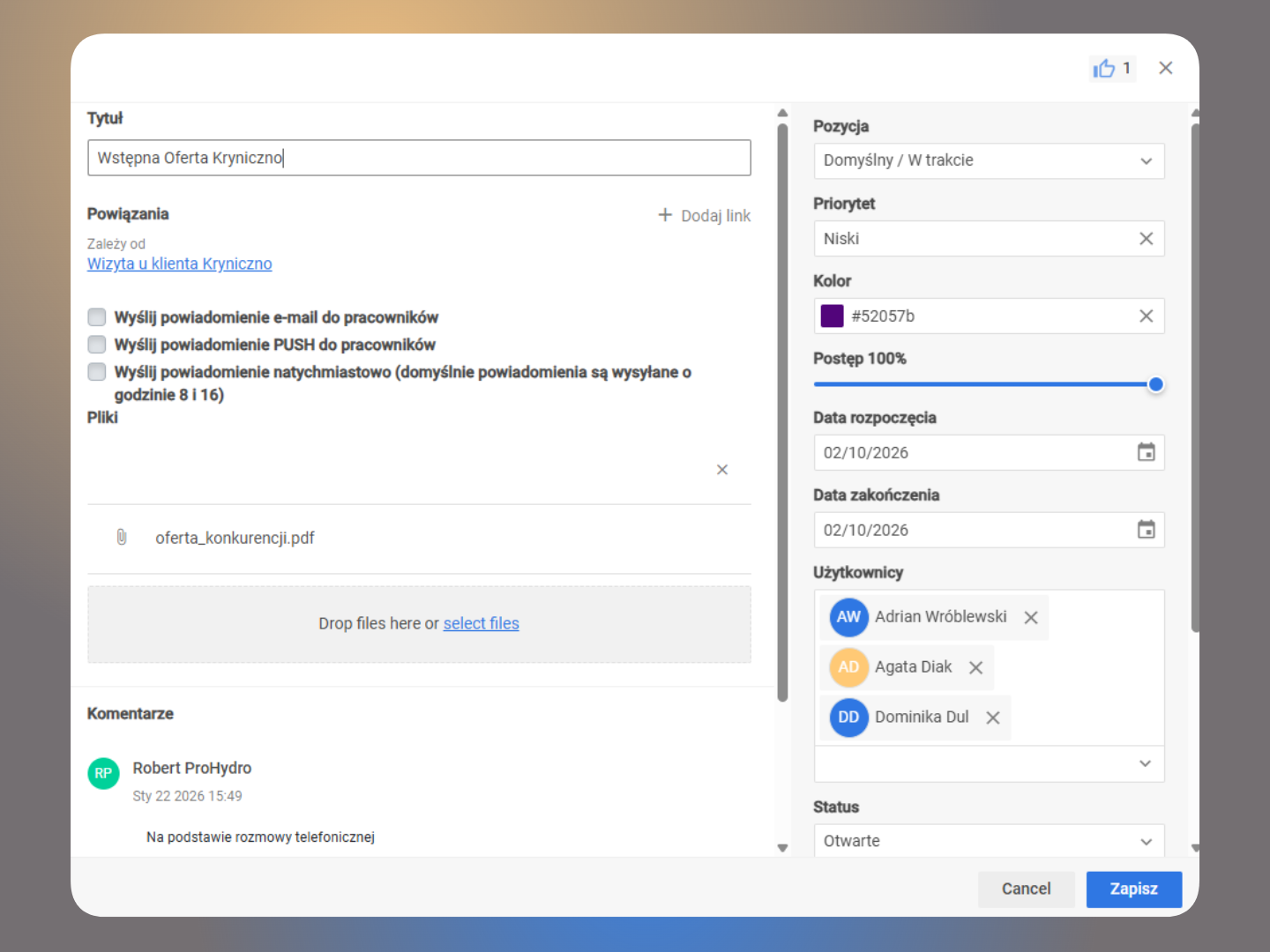
Employees start a work session on their phones, choose a project, complete the task and add documentation. Managers see time, status and calculation data in one dashboard.
The work session is linked to the correct job, so hours can be matched with a specific crew's work.
Site documentation stays with the task status, comments and work history.
Limits and multipliers can use approved time when calculating pay.
Oversight of costs, budgets and crew work.
Shift plans, job statuses and quick responses.
Kanban board and organised tasks.
A clear plan in the mobile app and quick confirmations.
Start with schedules and tasks, then adapt the rest to your company's process.
Assign the job to a technician, record parts issued, and collect time and visit photos. Prepare a report from a template, collect the employee’s signature in the app and the customer’s signature through a link. Once all required signatures are collected, the final PDF stays with the task. This is an illustrative workflow.