Data scope depends on the app, features, role and company settings. Before starting, define what is recorded, why and who can see it.

A good rollout starts with a clear explanation of the data used, its purpose and who can access it.
Your company decides whether to use time tracking alone or add optional location, screenshots, photos or computer work details.
Employees, managers and administrators can have different visibility scopes.
Collect information that supports pay calculations, planning, safety or work documentation.
Recording scope should follow documented company rules and system settings.
| Area | Example information | When it may be needed |
|---|---|---|
| Working time | starts, finishes, breaks and projects | attendance, pay calculations and planned-versus-actual comparisons |
| Mobile app | tasks, photos, comments and optional location | field work and site documentation |
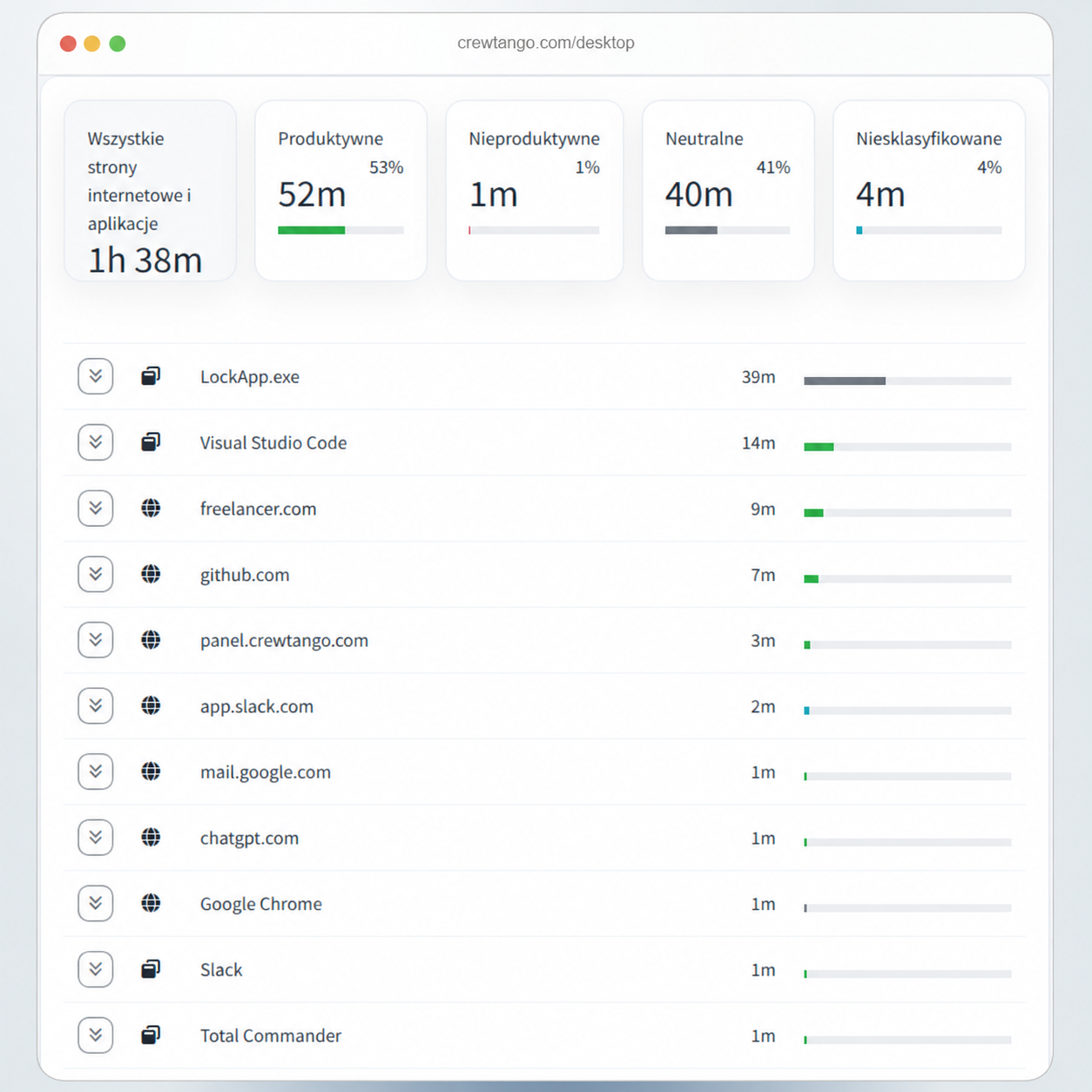
| Desktop app | apps, websites, optional screenshots and keyboard and mouse usage data | computer work and productivity categories |
| Shared attendance device | clock-ins, clock-outs, breaks and the selected identification method | shared attendance terminal for multiple employees |
| Reports | time summaries, overtime, allowances and costs | approval and pay calculations |
| Care homes | resident records, contacts, care plans, action history and NFC identifiers | staff viewing information and recording care with defined access |
| Documents and signatures | task details, signers, statuses and the final PDF | preparing and confirming a document within an agreed process |
| Cleaning and warehouse | locations, feedback, photos and material movement history | service quality checks and operational work records |
Explain how employees start and stop time tracking and when the app records information.
Define what employees, managers, administrators and business owners can see.
Enable it where it supports field work or attendance confirmation.
Define the purpose, frequency and rules for desktop app screenshots.
Keyboard and mouse data is an optional setting.
Define who reviews exceptions, approves entries and answers employee questions.
This page describes good implementation practices. Current legal documents are published separately and should be read in their full wording.
Start with five people, explain the data scope and check settings before expanding the rollout.