Faster planning
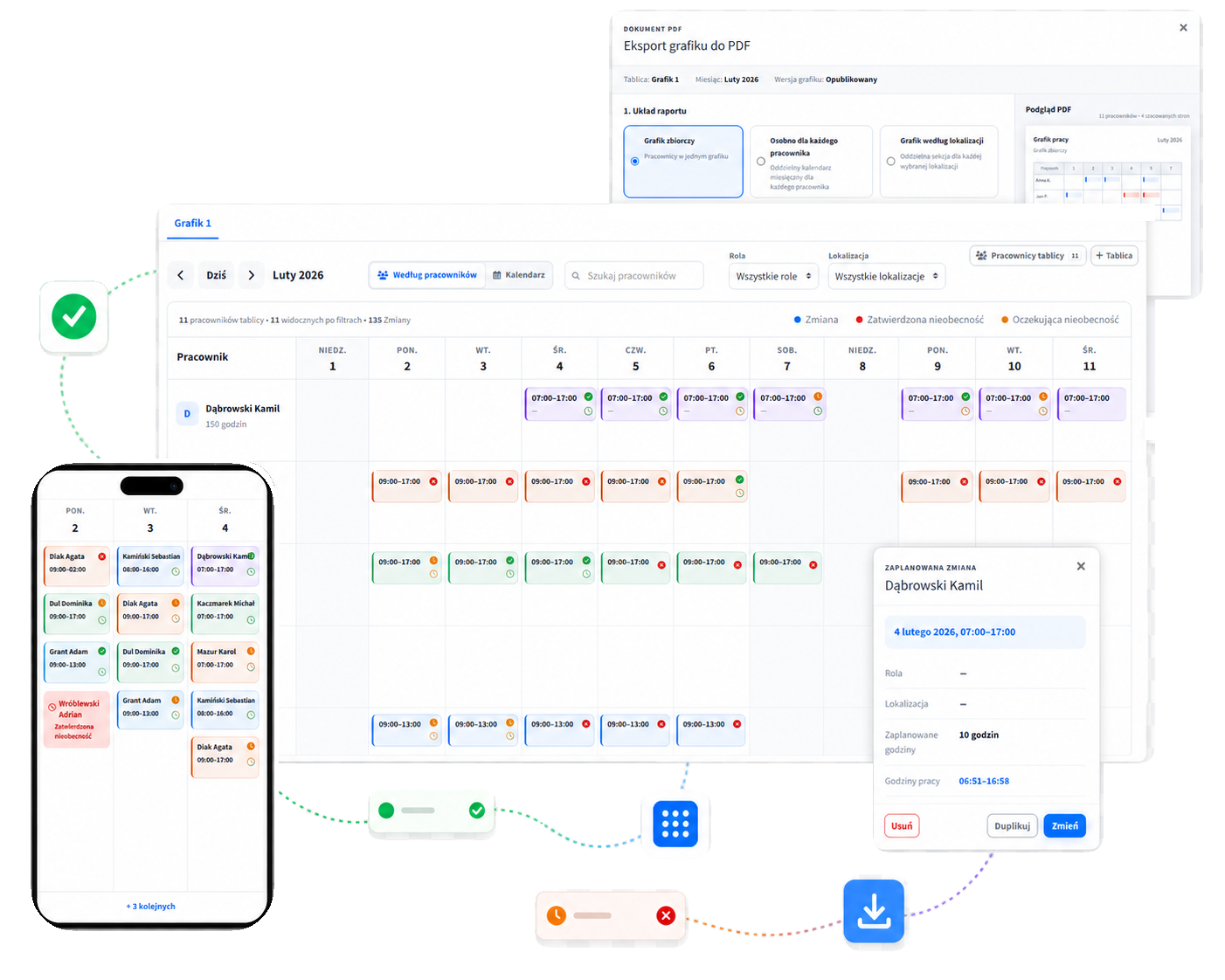
Separate team schedules, roles and locations, with a clear view of planned hours.
Online work schedules
CrewTango connects scheduling with time tracking, attendance and payroll. You see your team’s coverage, while employees always have their current schedule at hand.
Less operational clutter
Separate team schedules, roles and locations, with a clear view of planned hours.
Time, role and workplace on your phone. No searching for the latest spreadsheet.
Schedules brought together with attendance, recorded time and payroll.
Shift planning
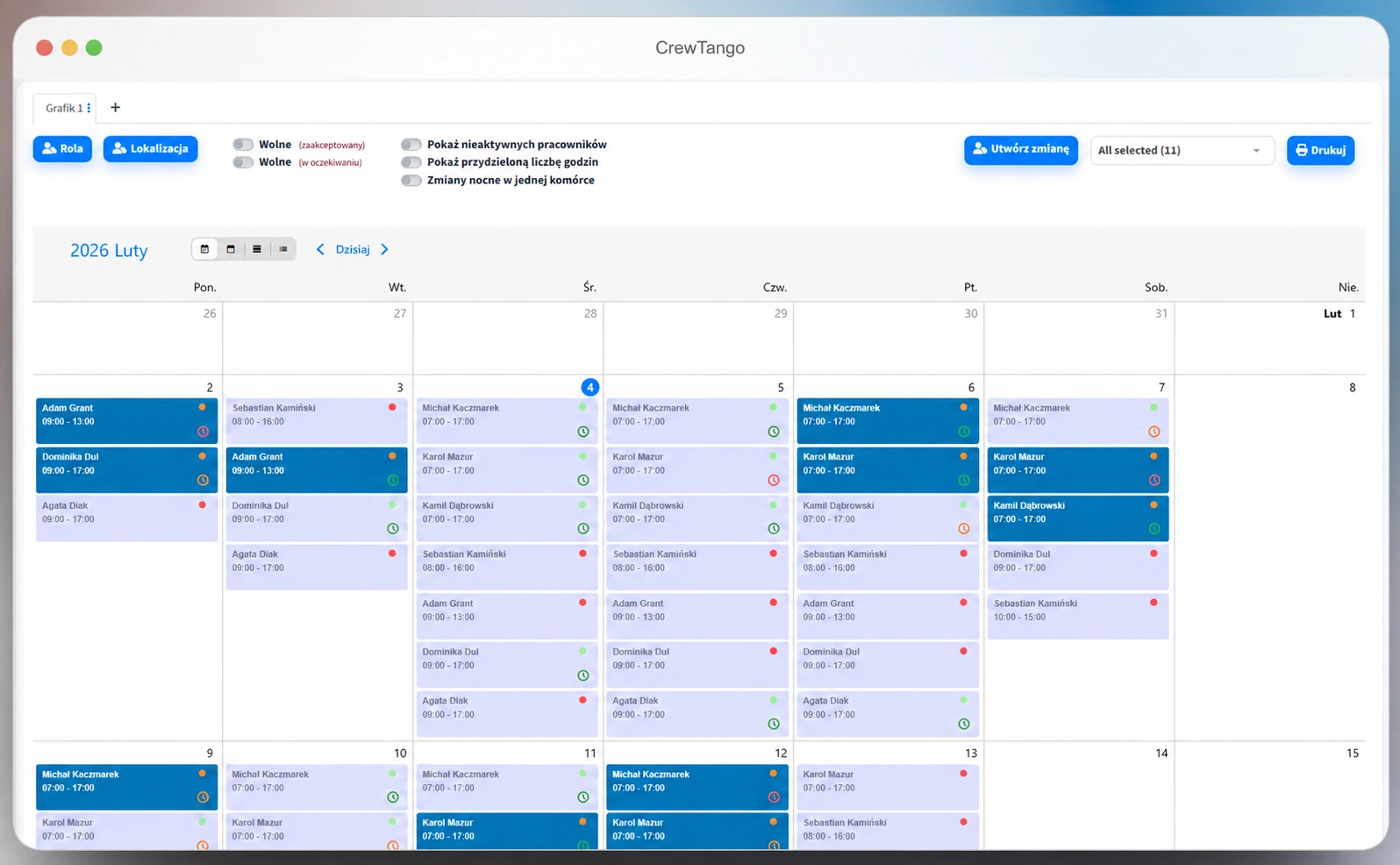
Create schedules for departments and locations. Assign an employee, role and workplace to each shift — in one dashboard.
Coverage and absences
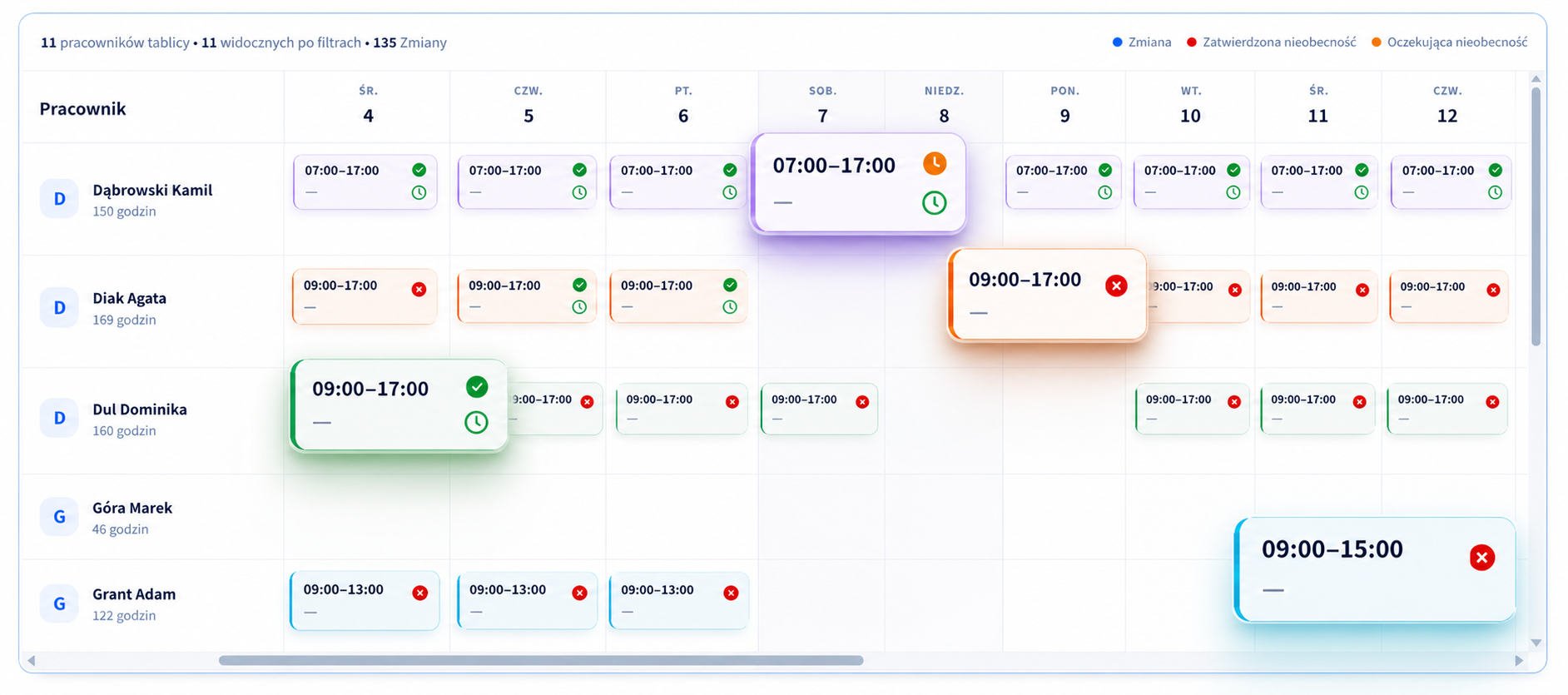
Check planned hours against the agreed working hours. Leave requests and absences remain part of the same workflow.
The employee’s schedule
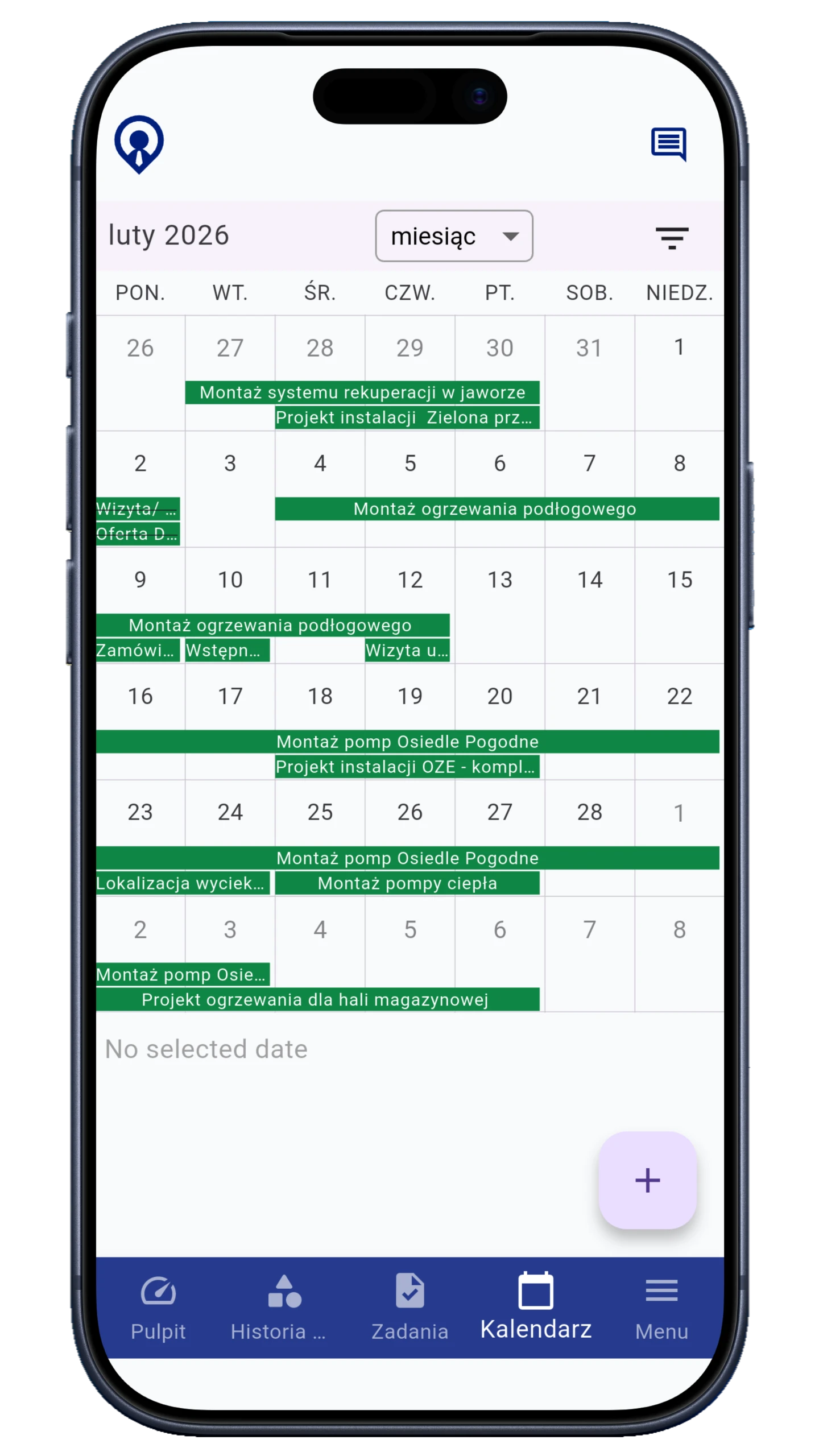
The team uses one up-to-date schedule. Employees check their time, role and workplace without calling their manager.
Friday, 14:00–22:00
Branch 2 · Technician
Plan versus actual
Compare the planned shift with recorded time. See which entries need clarification before preparing payroll.
We’ll discuss roles, locations, shifts and how your team records time.
Daily schedule, time and breaks
PIN, QR code or NFC
Windows and macOS
Time corrections and approvals
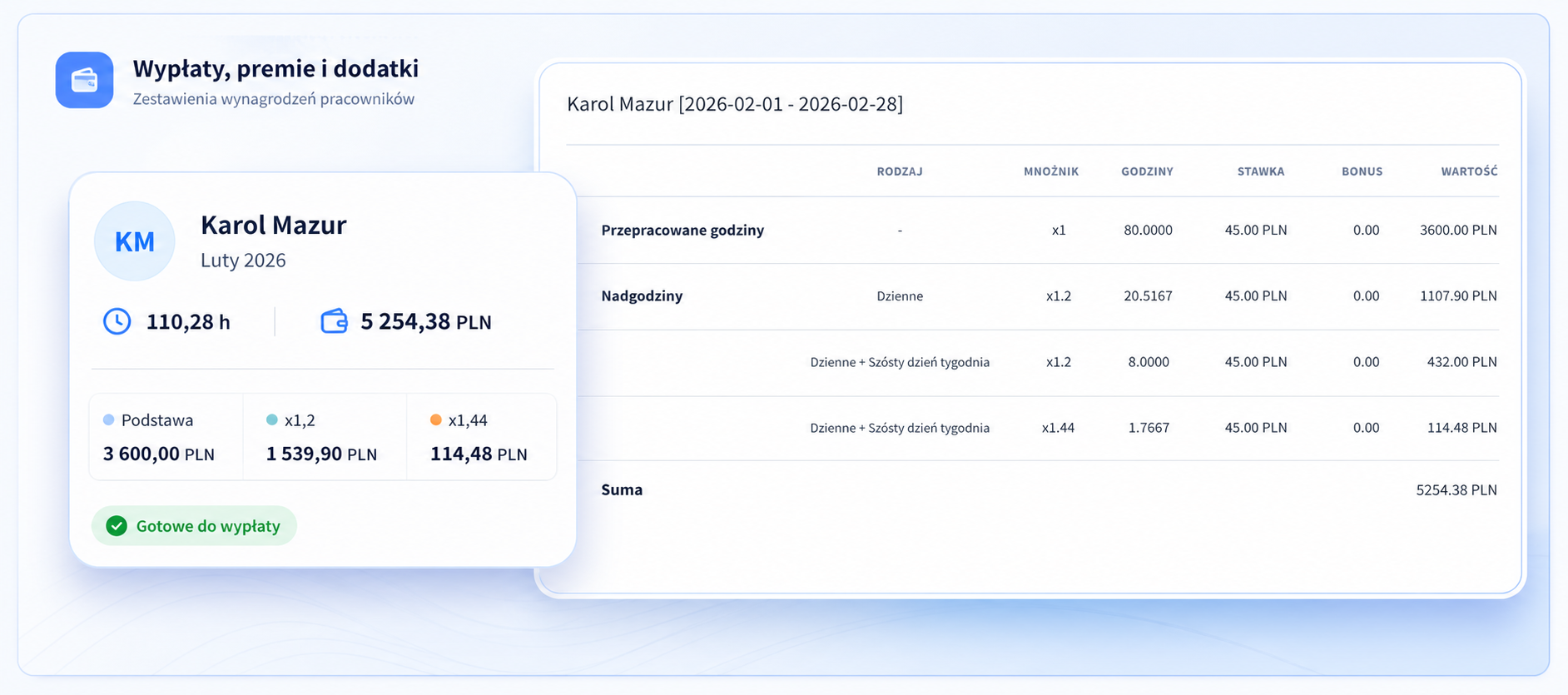
Payroll
Schedules and actual time provide a shared basis for payroll. Explain differences and prepare a period summary more easily.
Before your first schedule
Night shifts, leave, employee access and the connection with payroll.
Yes. Create multiple schedules and switch views by team, role and workplace.
Yes. Employees can check shift times, roles and locations in the mobile app, according to your company's configuration.
Yes. Shifts that cross midnight are shown as one clear work period.
The schedule is compared with time recorded on a phone, shared KIOSK device, desktop app or browser dashboard. This reveals late arrivals, absences and differences in hours.
CrewTango supports online leave requests and absence records, keeping planning and time records in one system.
Yes. Prepare a clear schedule for your team and share the current plan with employees in the app.
Yes. Compare planned hours with actual time, breaks, overtime and allowances to prepare the period summary more easily.
No. Start with scheduling and time tracking, then add tasks, reports, pay calculations or other modules.
Start with one team
Create a trial account or let’s talk about shifts, roles and locations in your company.