AGENCIES AND SERVICE CENTRES

Client service time, tasks and costs in one place

BPO, or business process outsourcing, requires careful oversight of time, ownership and costs. CrewTango helps agencies and service centres see how much work each client requires and whether projects remain within budget.

Client service cost Task ownership Earlier risk detection
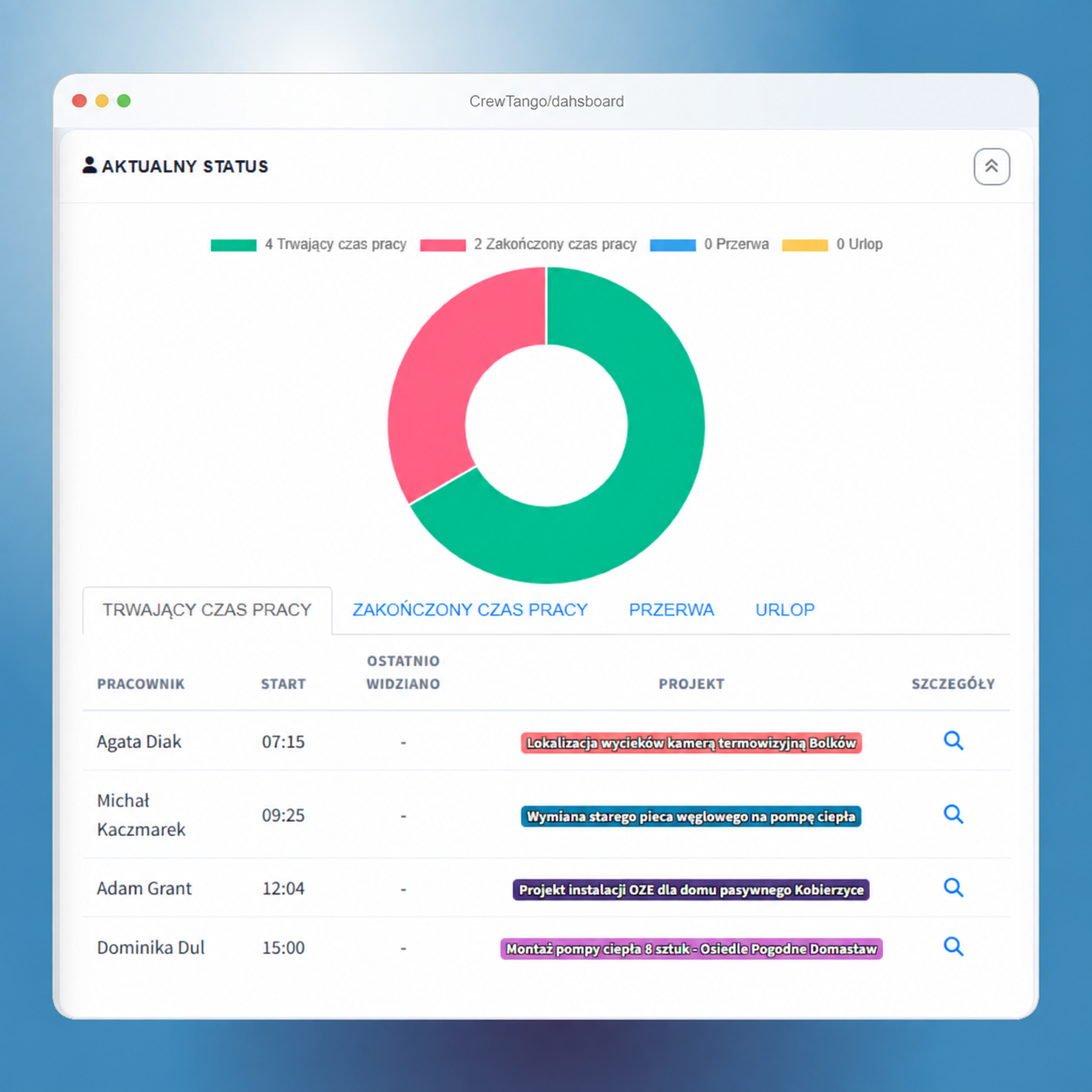
CrewTango dashboard showing time, costs and tasks
THREE MAIN OUTCOMES

Less time assembling data, more time for decisions

The team records work as it happens, and managers get a clear overview of clients, tasks and budgets.

Know the cost of serving each client

Work sessions are assigned to projects, letting you compare time used with plans or budgets.

Tasks have owners and deadlines

Priority, stage, comments and attachments stay with the task.

Spot overload and risks sooner

The dashboard shows rising costs, overdue tasks and areas where the team needs support.

HOW IT WORKS

From client to completed summary

1

Create a client project

Define people, rates, time or cost budgets and access rules.

2

The team records work

Employees choose the correct project and update assigned tasks.

3

Managers review results

The report connects time, costs and task completion. Export data for further reporting.

ONE CONSISTENT VIEW

Information for operations and cost calculations

Each view answers a specific management question, keeping the main screen focused on useful information.

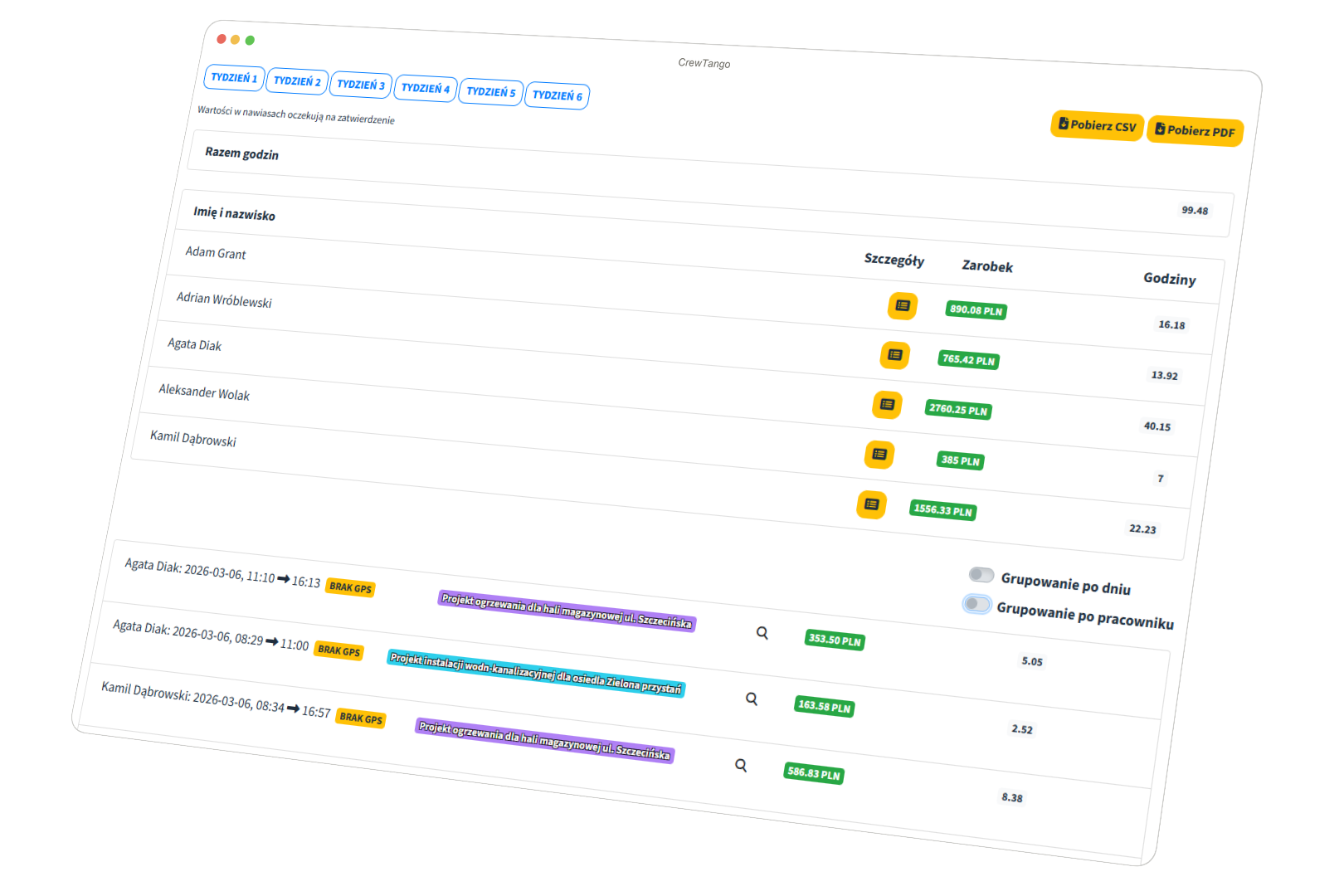
Time assigned to clients w CrewTango

Time assigned to clients

See who spent how much time on the project.

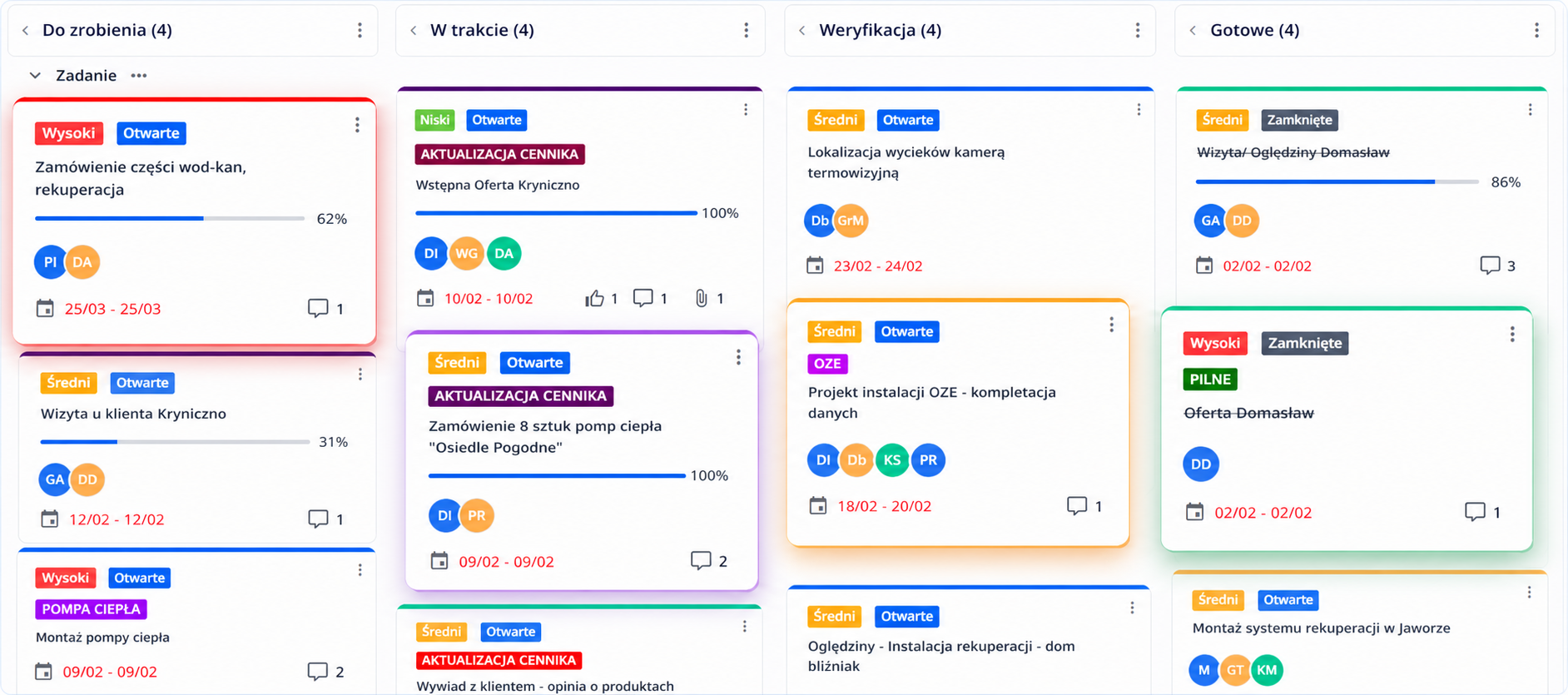
Task progress w CrewTango

Task progress

See work in progress, overdue or completed.

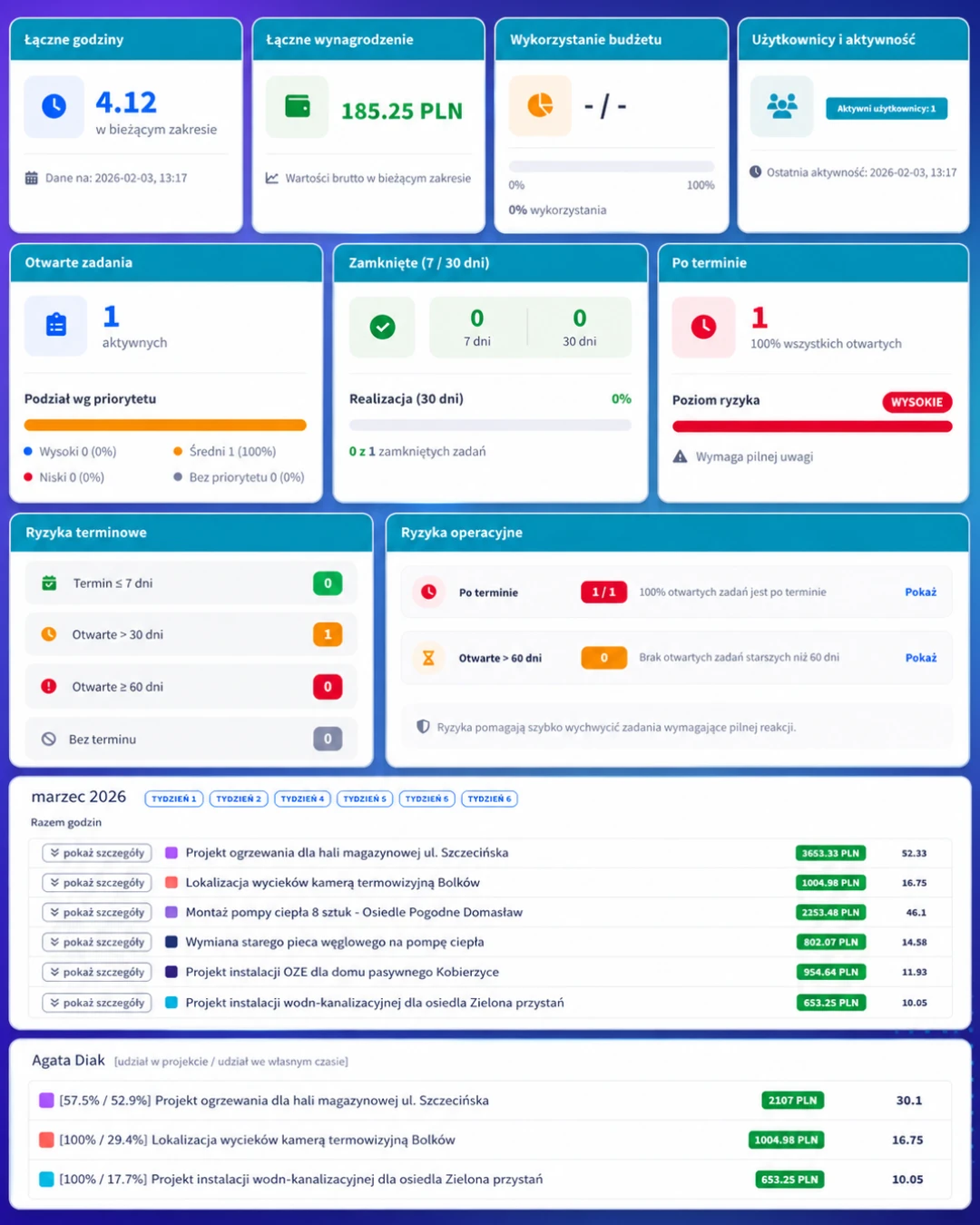
Costs and budget usage w CrewTango

Costs and budget usage

Check whether the service scope remains within the plan.

Frequently asked questions

Yes. Separate working time, tasks and budgets by project or client.

Yes. Reports and exports help prepare time and cost summaries for further review.

No. Start with client time tracking, then add tasks and detailed reports later.

Yes. Mobile app, desktop app and browser dashboard data all feed one system.

Check client service time, tasks and costs

Start with one project and see which information helps your team make decisions.

Client service cost

Download an example with fictional data to discuss your own workflow. Open it, print it or save it as a PDF from the browser.

Example: monthly client service

Create a client project and assign the team’s work. Employees record time against tasks; managers review entries and compare costs with the service budget. The summary supports planning further work and preparing billing. This is an illustrative process rather than a customer case study.