FIELD SALES

Visits, client tasks and working time in one place

CrewTango helps sales representatives, account managers and merchandising staff track time and confirm task completion. Managers see current progress, photos and documents without gathering updates from chats and spreadsheets.

Mobile appClient tasksPhotos and documentsWorking time reports

Sales representative visiting a clientCrewTango mobile app
KEY OUTCOMES

A simpler day for employees and a current view for managers

See who is handling the visit

Each task has a client or location, deadline, priority and owner.

Confirm completion

Photos, comments, files and signed documents stay with the right task.

The day feeds into the report

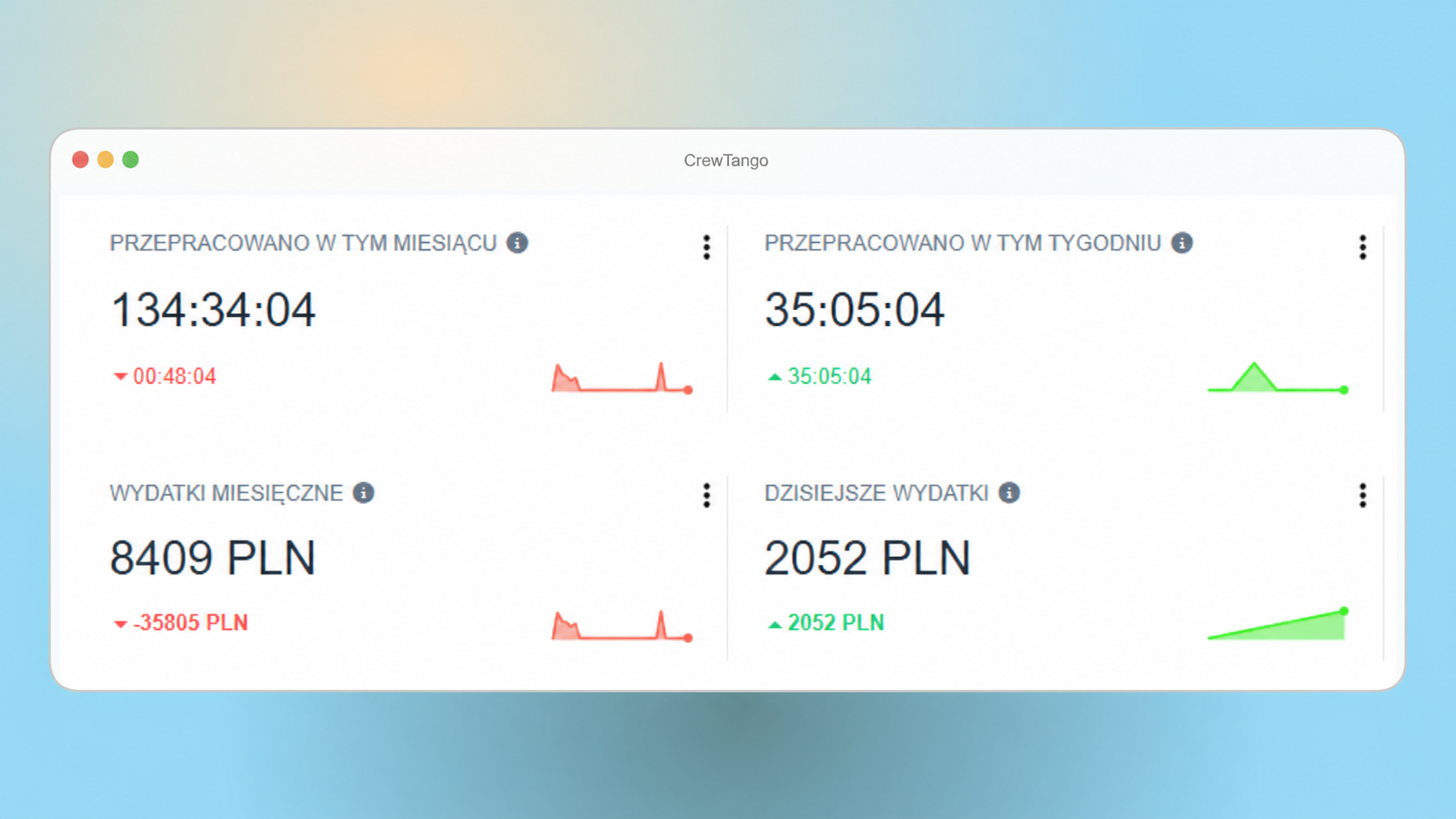
Working time, breaks, projects and completed tasks appear in one summary.

PROCESS

From client task to completed summary

CrewTango complements your CRM with working time, task completion, field files and, where needed, location data during work.

1

Managers prepare the task

Specify the client or location, deadline, priority and owner.

2

Employees carry out the visit

Start time in the mobile app, check the scope and update the task stage.

3

Add completion evidence

Attach a photo, comment, file or signed document to the task.

4

Managers review the summary

See time, progress, files and change history in the browser dashboard.

TOOLS

Key features for field work

Employees use the mobile app, and managers use the browser dashboard. Adapt the feature scope to company rules.

Time and tasks at hand

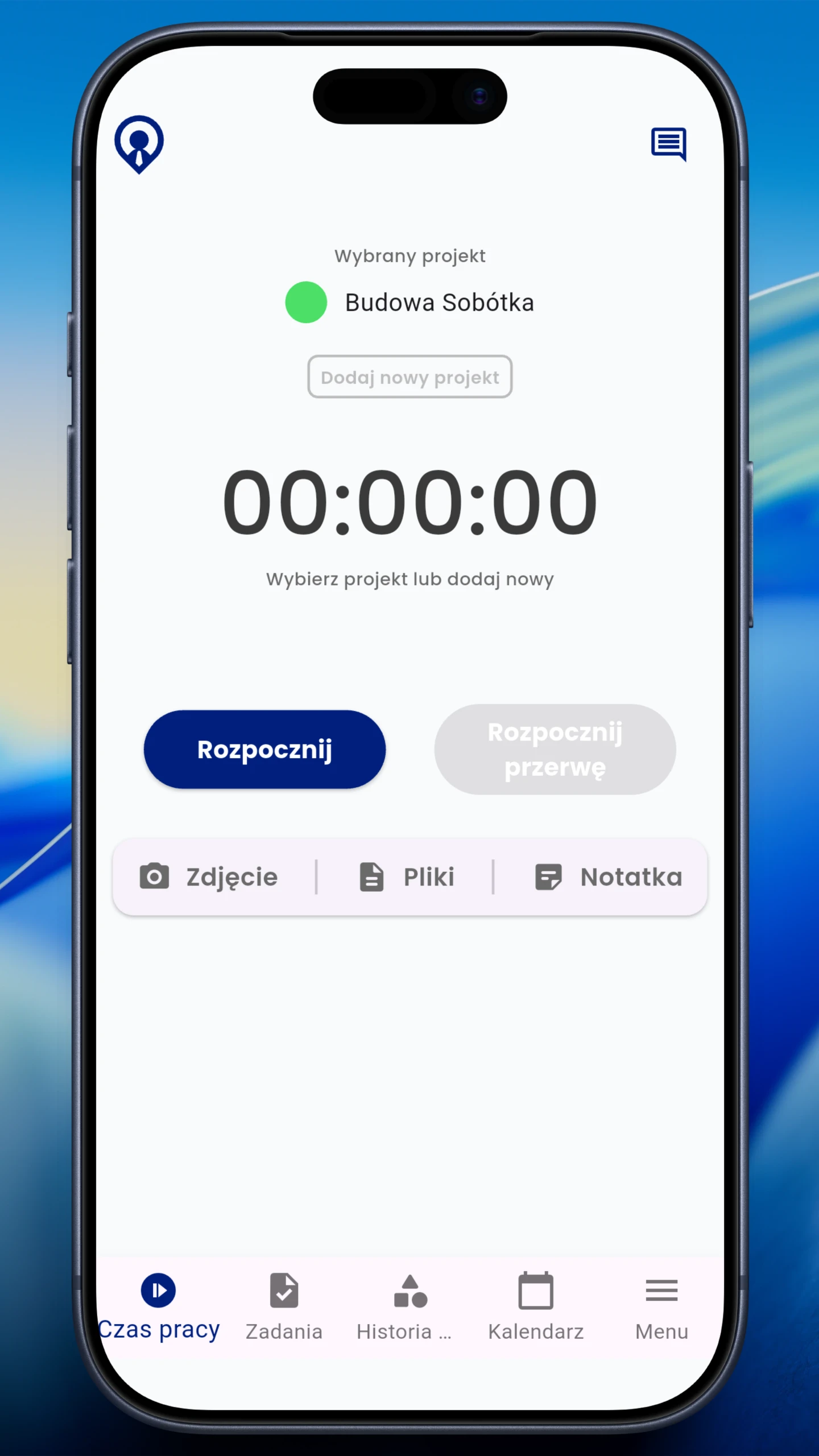
Start and stop time, record breaks, view tasks and check the day's summary on a phone.

working time • breaks • tasks

Mobile app w CrewTango

A clear visit scope

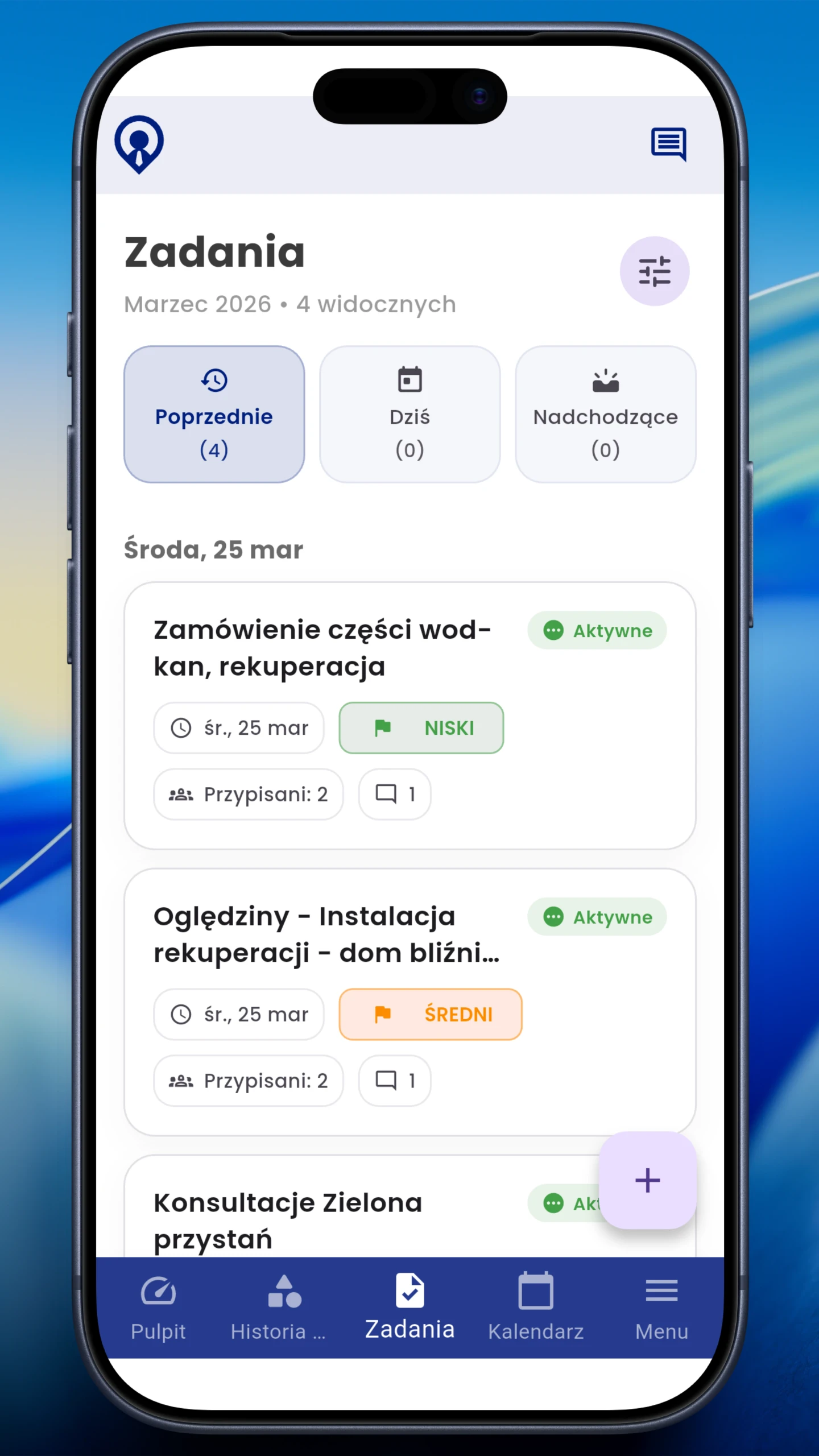
The client or location, deadline, priority, description and owner stay with the task.

client • deadline • ownership

Client tasks w CrewTango

Files linked to the right task

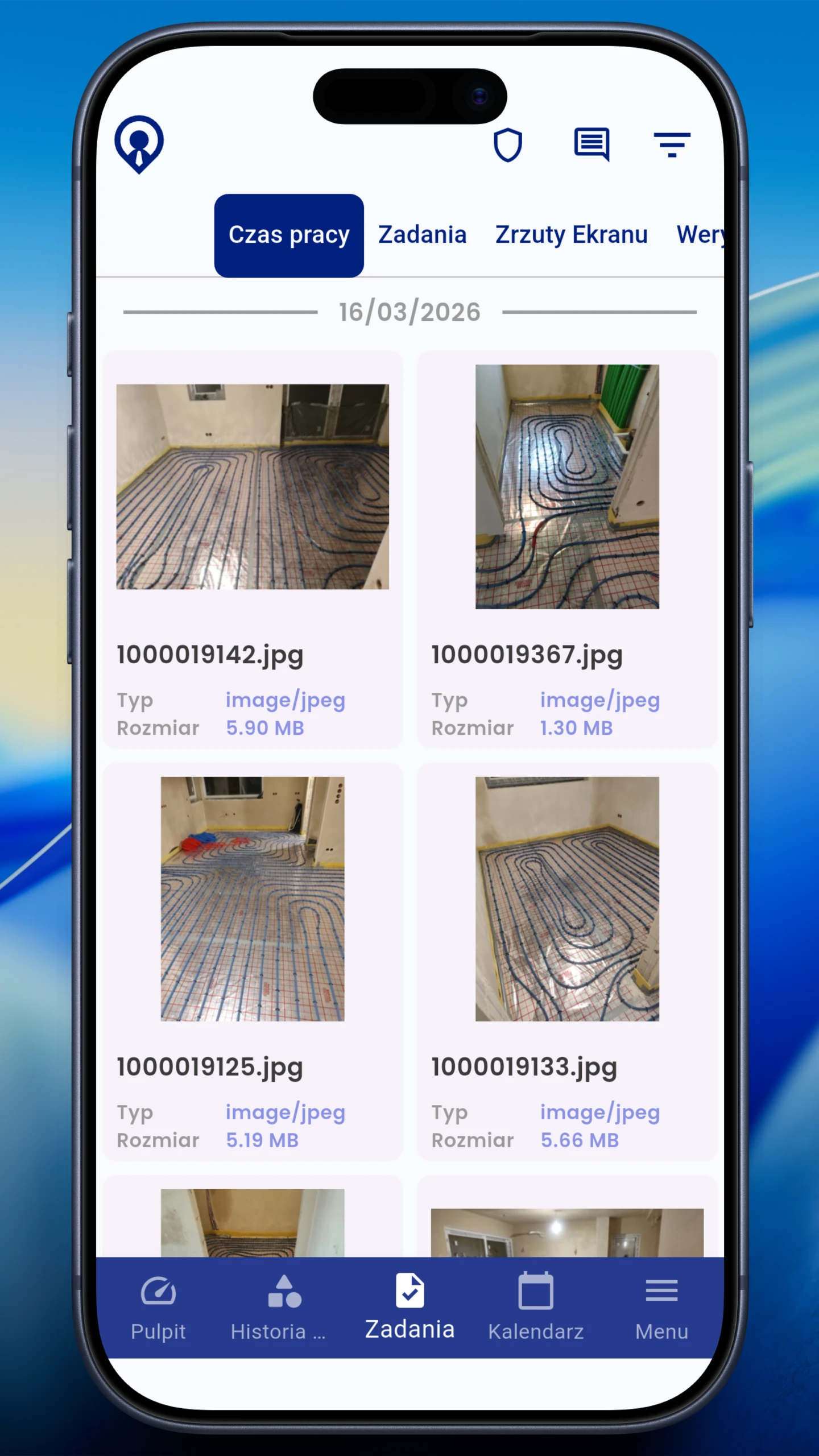
Merchandising photos, notes and files appear alongside status and completion history.

photos • comments • files

Field photos w CrewTango

Location according to agreed rules

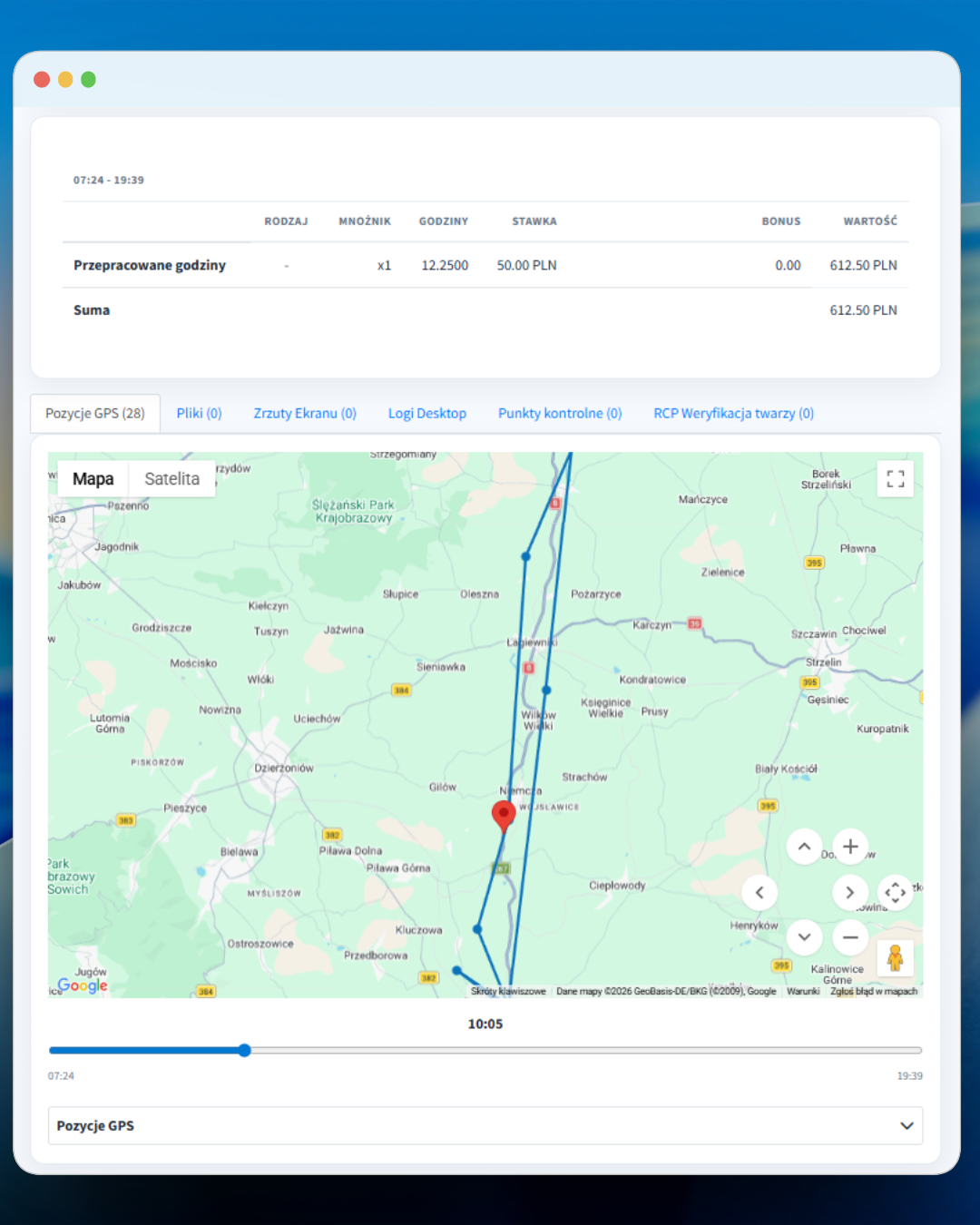
When enabled by the company, the app can record routes during active working time.

optional • during work • transparent rules

Optional GPS w CrewTango

Time and completion summary

The dashboard connects time, breaks, projects and completed tasks. Location data is added when the feature is enabled.

period • project • employee • export

Reports w CrewTango
CONFIRMATIONS AND SIGNATURES

Sign visit confirmations while still at the client's site

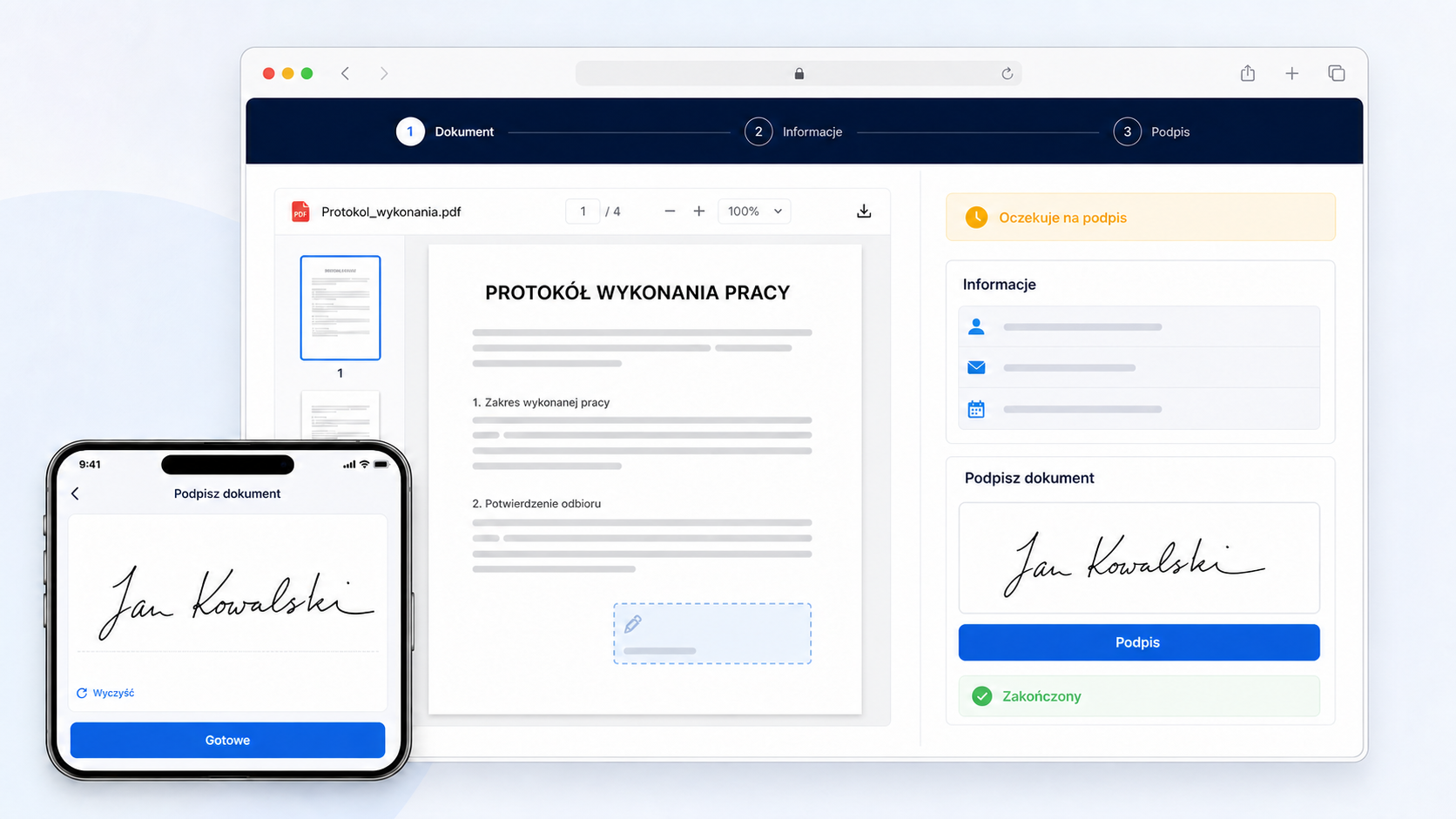
Employees open the document linked to a task, check its details and sign their assigned field on a phone. Customers sign through a secure browser link without creating an account.

  • client and task details in the document
  • handwritten signature on screen
  • final PDF attached to the task
Learn more about documents
Visit confirmation signed on a phone and in a browser
TIME AND REPORTS

A ready summary without copying notes

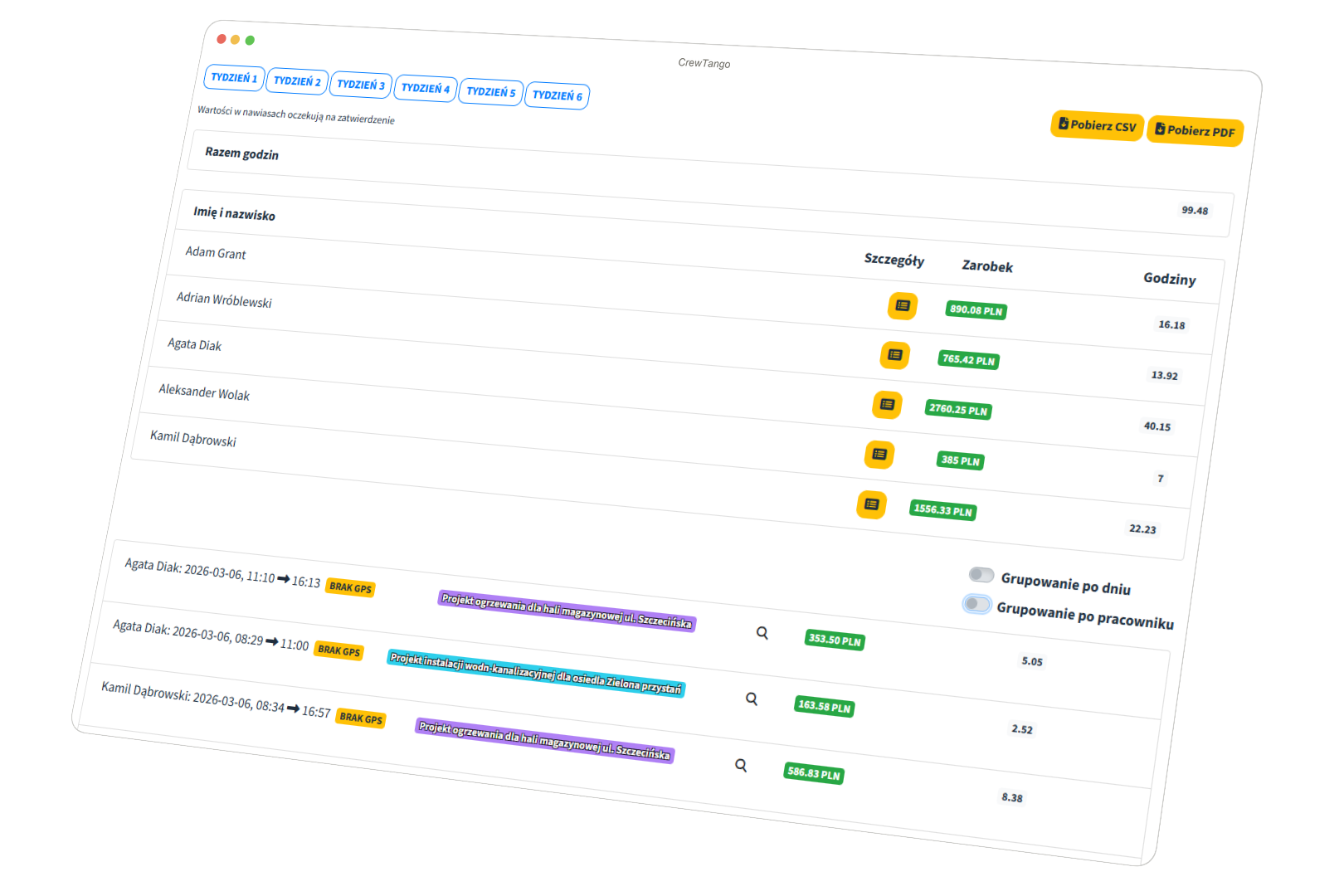
Managers choose a period, employee or project and review time, breaks and completed tasks.

Field team working time report in CrewTango
Recorded time
Start, finish and breaks.
Client or project
Work linked to the correct scope.
Completed tasks
Status, comments and files.
Data export
Data for further reporting and review.

Frequently asked questions

No. CrewTango adds time tracking, tasks, photos and documents to the sales process. Your CRM can continue managing relationships and sales opportunities.

No. GPS is optional, runs during active working time and should follow clear company rules.

Yes. Add photos, files and comments to the appropriate task.

Yes. A task can reference a client, client location and project.

Yes. Data from the CrewTango mobile app reaches the manager's browser dashboard.

See the current picture of field work

Connect working time, client tasks, photos, documents and reports in one system.

Visit summary

Download an example with fictional data to discuss your own workflow. Open it, print it or save it as a PDF from the browser.

Keep the document with the visit

A visit or acceptance confirmation can go from template to employee signature in the app and customer signature through a link. Explore the sample report in our resources to discuss your own process.