Front desks and tills
If an interaction at the counter becomes threatening, an employee can raise the alarm from the same terminal they use to clock in.
Included in the COMPANY plan
When an employee needs help, they can raise a panic alarm from the CrewTango mobile app or a shared time clock. CrewTango shows who raised the alarm.
Unlimited virtual panic buttons across your business
Choose a device to see an example of the alert it produces.
If an interaction at the counter becomes threatening, an employee can raise the alarm from the same terminal they use to clock in.
An employee on duty in the sports hall can raise the alarm from the mobile app without returning to the time clock at the entrance.
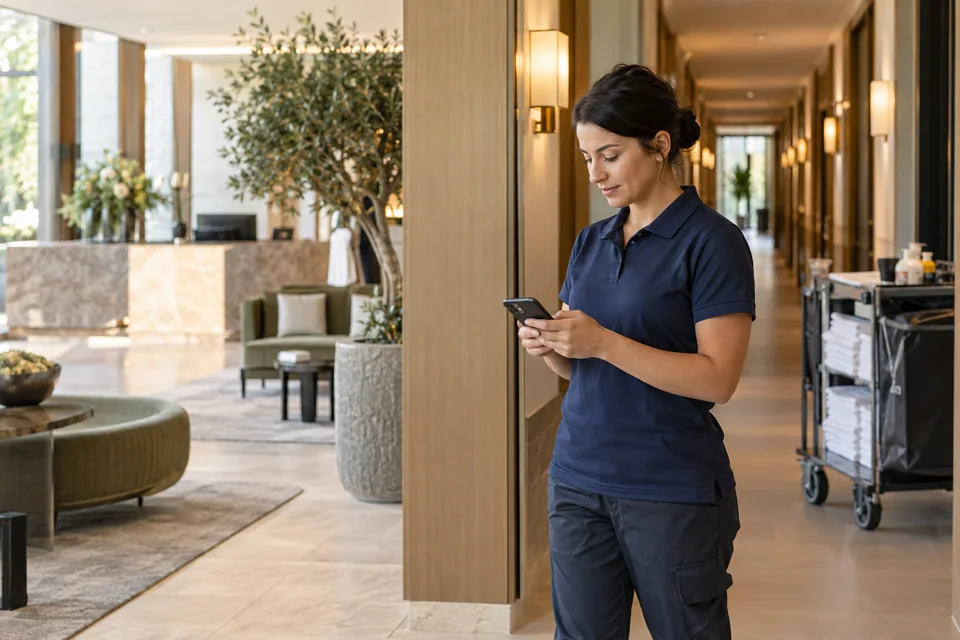
When someone working alone raises an alarm from their phone, CrewTango shows their name alongside the alert.
The module can work with any brand of alarm panel whose GSM setup supports external panic activation. If your panel’s built-in GSM module supports this feature, we can use it to connect CrewTango without installing another device.
Virtual panic buttons in the app and on shared time clocks, with the employee’s name on each alert. We enable the module on request.
See modules and pricing →If your panel lacks a compatible GSM module, a separate device with its own GSM module can be installed at the panel to connect it to CrewTango.
Your company can use as many virtual panic buttons as it needs in the mobile app and on CrewTango time clocks.
Employees can use a shared CrewTango time clock. The mobile app gives them a second way to raise the alarm.
CrewTango identifies the employee who raised the alarm in the alert details.
If your alarm system has a built-in GSM module that can trigger a panic alarm remotely, you can connect it to CrewTango without installing another device. Tell us your alarm panel model and we’ll check whether we can use its built-in module. If you need an additional GSM device, we’ll provide a quote.
Tell us where your team works and whether they will use phones, time clocks or both. If you’d like to connect an existing alarm panel, include the model.