Customers
The customer record connects a company or person’s details with their service history. Your team knows whom to contact, where the work takes place and which agreements to refer to.
See the connection to tasksCustomer service in CrewTango
From customer and equipment records to requests, quotes and documents. Forms and checklists organise information, while email and SMS help you stay in touch.
Customer records · service workflow · communication
The Customers area — your service toolkit
Seven connected areas: from contact details and equipment through requests and quotes to records of completed work.
The customer record connects a company or person’s details with their service history. Your team knows whom to contact, where the work takes place and which agreements to refer to.
See the connection to tasksKnow which equipment your customer owns and what the next service visit is about.
Manage enquiries and service requests in a shared inbox.
Prepare a service report, work acceptance or equipment handover using your own template.
Set a standard for the work and check that your team has collected the required information.
Build a contact form, service request form or inspection request.
Prepare a quote linked to the customer, share it and review their decision.
Available features depend on your plan and permissions. Individual questionnaires and requests for photos through SMS links are shown further below as a feature in development.
CT-R01 · Anna Kowalska
Every device has a history
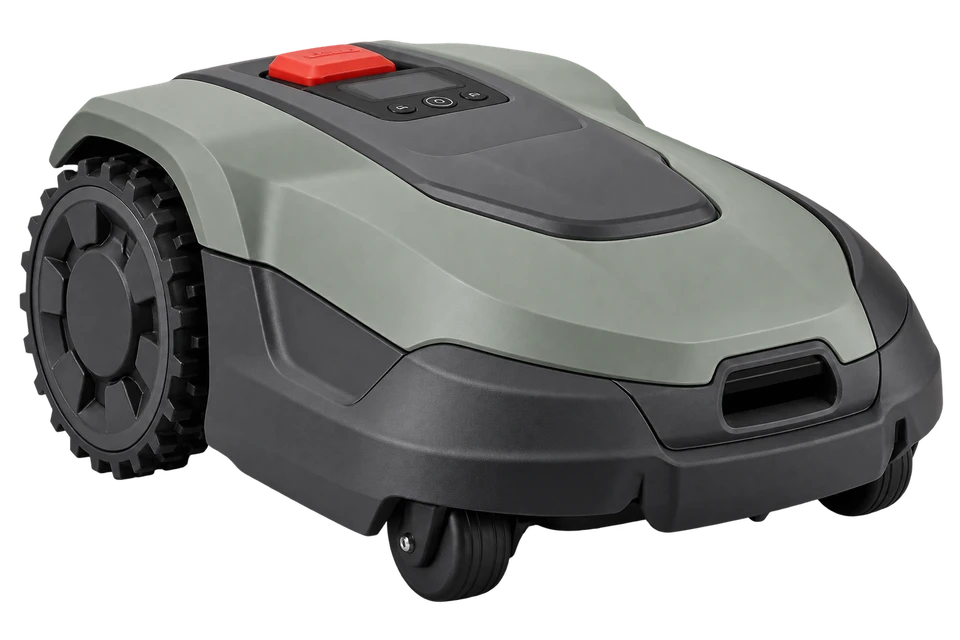
Keep a register of customer equipment and return to the information needed at the next service. A robotic mower, heat pump or another device — the equipment stays linked to its owner.
Identify the right piece of equipment.
Keep important service dates at hand.
Connect equipment with the work carried out.
Records organised. Ready to connect.
You already have the customer details and know what the request is about. Choose a template, review the message and send an email or SMS directly from CrewTango.
The next step in customer service
We are developing text-message links to short questionnaires and equipment documentation forms. Customers will provide details on their phones, giving your team the information it needs to follow up.
This illustrates the planned workflow. The feature is in development.
The mower stops while mowing.
A short description and photos will help prepare the visit.
Before the visit, describe the issue and add equipment photos using the link.
From first contact to completed work
An example journey: a customer request, a quote, the work and a handover. Each stage builds on the information already collected.
Review the customer, location and equipment.
Define the scope and price, then collect the customer’s decision.
Assign the work and collect checklist results, measurements and photos.
Prepare the report, collect signatures and update the customer.
Before you get started
See how the customer module fits together and choose the scope your company needs.
Compare plan featuresCustomer records, contacts and locations, equipment records, and the related service areas: requests, documents, checklists, forms and quotes. Access to individual features depends on the plan and user permissions.
A form defines the questions and information you collect from a customer. A request is the submitted response: contact details, a description and attachments. Your team reviews it in the request inbox, links it to the customer and can prepare a task.
Equipment is linked to a customer. While completing a task, the team records the work, and a document template can use customer, equipment and job details. The report and signatures remain linked to the task.
Yes. Share a published quote with the customer through a link. The customer can review it, download a PDF, and accept or reject it. The system keeps the quote version and event history.
The TEAM plan includes customers, contacts, locations, service history, equipment records, QR labels, and service and warranty dates. COMPANY adds checklists, documents, contact forms, correspondence and email/SMS automations, among other features. See the pricing page for the detailed scope.
No. You can prepare email and SMS templates for recurring situations. Review the recipient and message before sending. Configured automations can also send reminders about task dates, service dates or warranty expiry.
No. COMPANY includes the SMS allowance specified on the pricing page. During a demo, we can discuss available channels, message billing and the scope your company needs.
Individual requests to complete a questionnaire and add photos through an SMS link are in development. They extend the service workflow for a specific customer. The available website form builder already collects requests, answers and attachments through a website or public link.
Start with your workflow
Explore customer records, equipment, requests and documents. See how email and SMS can make communication easier too.